
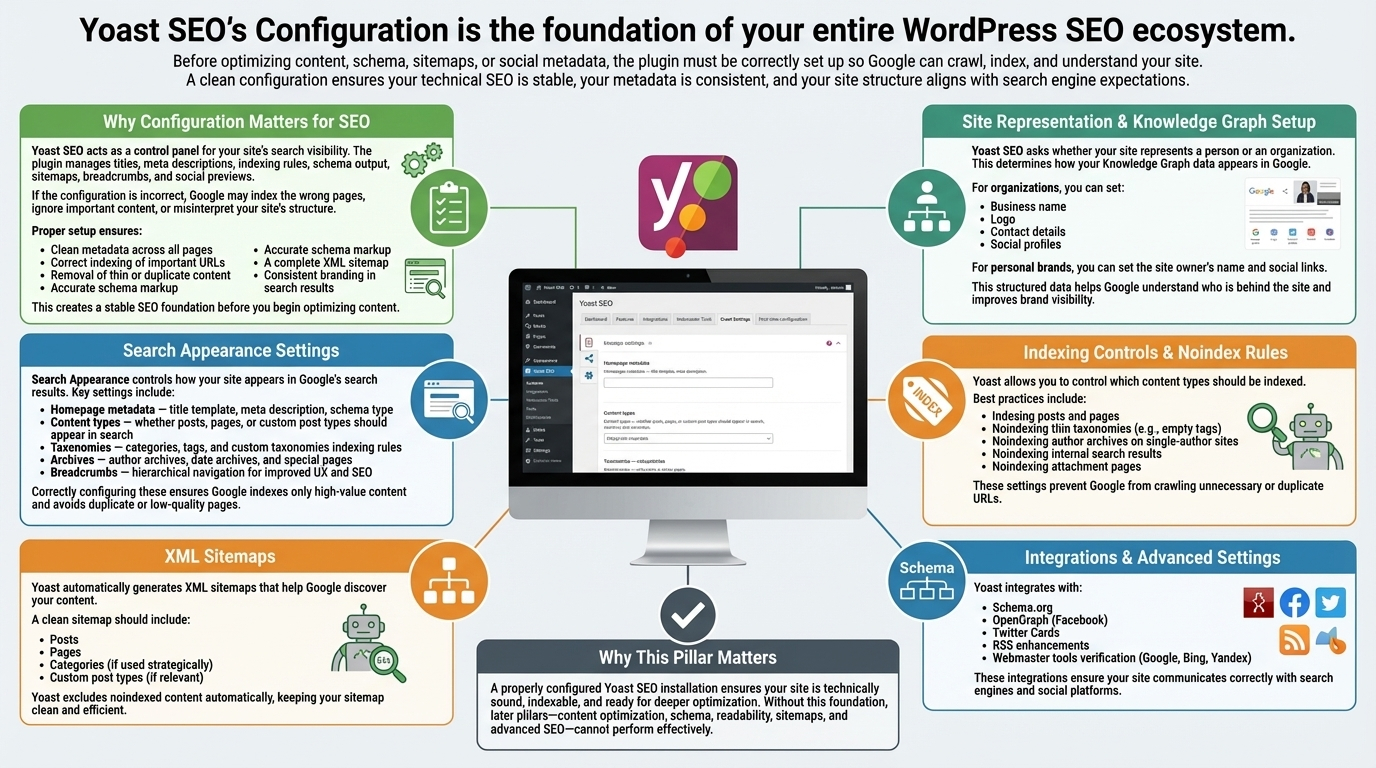
Yoast SEO’s configuration is the foundation of your entire WordPress SEO ecosystem. Before optimizing content, schema, sitemaps, or social metadata, the plugin must be correctly set up so Google can crawl, index, and understand your site. A clean configuration ensures your technical SEO is stable, your metadata is consistent, and your site structure aligns with search engine expectations.
Why Configuration Matters for SEO
Yoast SEO acts as a control panel for your site’s search visibility. The plugin manages titles, meta descriptions, indexing rules, schema output, sitemaps, breadcrumbs, and social previews. If the configuration is incorrect, Google may index the wrong pages, ignore important content, or misinterpret your site’s structure. Proper setup ensures:
- Clean metadata across all pages
- Correct indexing of important URLs
- Removal of thin or duplicate content
- Accurate schema markup
- A complete XML sitemap
- Consistent branding in search results
This creates a stable SEO foundation before you begin optimizing content.
Site Representation & Knowledge Graph Setup
Yoast SEO asks whether your site represents a person or an organization. This determines how your Knowledge Graph data appears in Google. For organizations, you can set:
- Business name
- Logo
- Contact details
- Social profiles
For personal brands, you can set the site owner’s name and social links. This structured data helps Google understand who is behind the site and improves brand visibility.
Search Appearance Settings
Search Appearance controls how your site appears in Google’s search results. Key settings include:
- Homepage metadata — title template, meta description, schema type
- Content types — whether posts, pages, or custom post types should appear in search
- Taxonomies — categories, tags, and custom taxonomies indexing rules
- Archives — author archives, date archives, and special pages
- Breadcrumbs — hierarchical navigation for improved UX and SEO
Correctly configuring these ensures Google indexes only high‑value content and avoids duplicate or low‑quality pages.
Indexing Controls & Noindex Rules
Yoast allows you to control which content types should be indexed. Best practices include:
- Indexing posts and pages
- Noindexing thin taxonomies (e.g., empty tags)
- Noindexing author archives on single‑author sites
- Noindexing internal search results
- Noindexing attachment pages
These settings prevent Google from crawling unnecessary or duplicate URLs.
XML Sitemaps
Yoast automatically generates XML sitemaps that help Google discover your content. A clean sitemap should include:
- Posts
- Pages
- Categories (if used strategically)
- Custom post types (if relevant)
Yoast excludes noindexed content automatically, keeping your sitemap clean and efficient.
Integrations & Advanced Settings
Yoast integrates with:
- Schema.org
- OpenGraph (Facebook)
- Twitter Cards
- RSS enhancements
- Webmaster tools verification (Google, Bing, Yandex)
These integrations ensure your site communicates correctly with search engines and social platforms.
Why This Pillar Matters
A properly configured Yoast SEO installation ensures your site is technically sound, indexable, and ready for deeper optimization. Without this foundation, later pillars—content optimization, schema, readability, sitemaps, and advanced SEO—cannot perform effectively.