
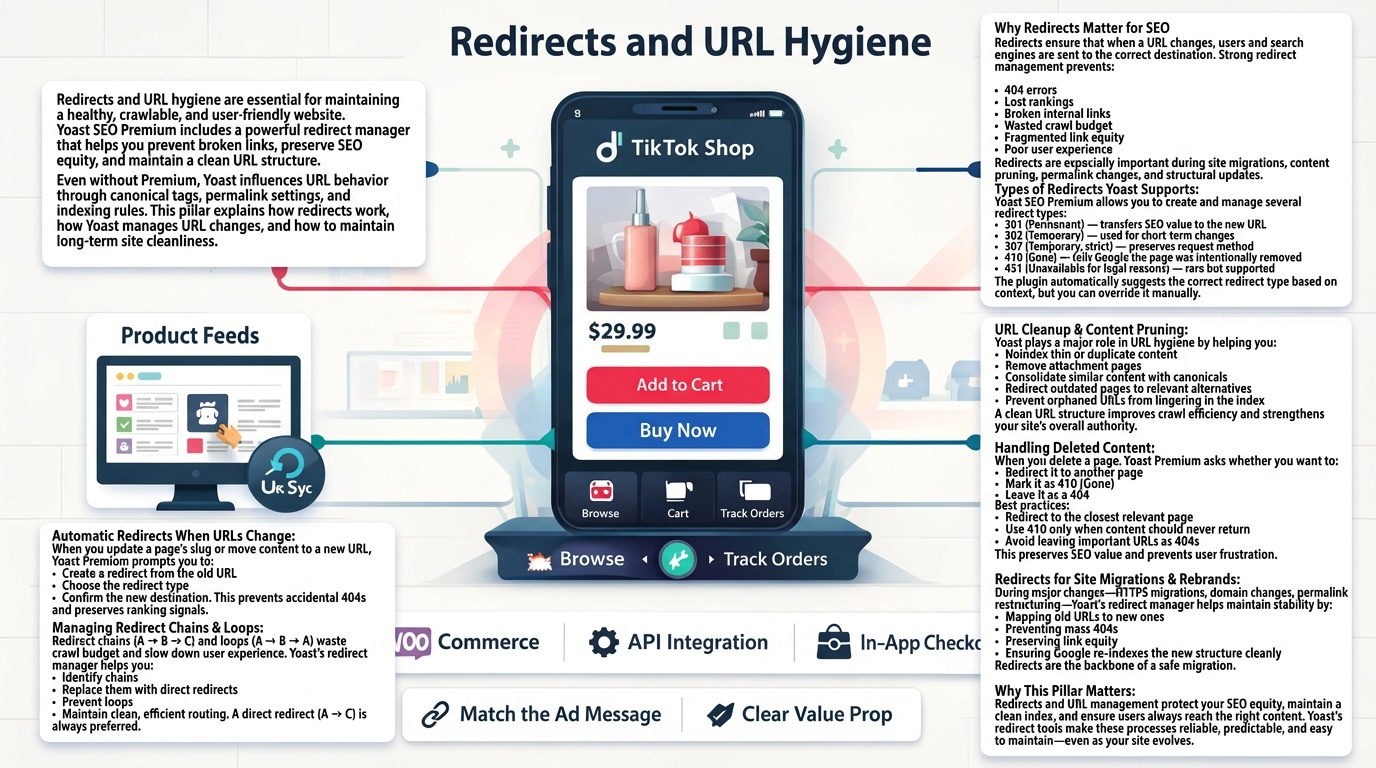
Redirects and URL hygiene are essential for maintaining a healthy, crawlable, and user‑friendly website. Yoast SEO Premium includes a powerful redirect manager that helps you prevent broken links, preserve SEO equity, and maintain a clean URL structure. Even without Premium, Yoast influences URL behavior through canonical tags, permalink settings, and indexing rules. This pillar explains how redirects work, how Yoast manages URL changes, and how to maintain long‑term site cleanliness.
Why Redirects Matter for SEO
Redirects ensure that when a URL changes, users and search engines are sent to the correct destination. Strong redirect management prevents:
- 404 errors
- Lost rankings
- Broken internal links
- Wasted crawl budget
- Fragmented link equity
- Poor user experience
Redirects are especially important during site migrations, content pruning, permalink changes, and structural updates.
Types of Redirects Yoast Supports
Yoast SEO Premium allows you to create and manage several redirect types:
- 301 (Permanent) — transfers SEO value to the new URL
- 302 (Temporary) — used for short‑term changes
- 307 (Temporary, strict) — preserves request method
- 410 (Gone) — tells Google the page was intentionally removed
- 451 (Unavailable for legal reasons) — rare but supported
The plugin automatically suggests the correct redirect type based on context, but you can override it manually.
Automatic Redirects When URLs Change
When you update a page’s slug or move content to a new URL, Yoast Premium prompts you to:
- Create a redirect from the old URL
- Choose the redirect type
- Confirm the new destination
This prevents accidental 404s and preserves ranking signals.
Managing Redirect Chains & Loops
Redirect chains (A → B → C) and loops (A → B → A) waste crawl budget and slow down user experience. Yoast’s redirect manager helps you:
- Identify chains
- Replace them with direct redirects
- Prevent loops
- Maintain clean, efficient routing
A direct redirect (A → C) is always preferred.
URL Cleanup & Content Pruning
Yoast plays a major role in URL hygiene by helping you:
- Noindex thin or duplicate content
- Remove attachment pages
- Consolidate similar content with canonicals
- Redirect outdated pages to relevant alternatives
- Clean up tag and category archives
- Prevent orphaned URLs from lingering in the index
A clean URL structure improves crawl efficiency and strengthens your site’s overall authority.
Handling Deleted Content
When you delete a page, Yoast Premium asks whether you want to:
- Redirect it to another page
- Mark it as 410 (Gone)
- Leave it as a 404
Best practices:
- Redirect to the closest relevant page
- Use 410 only when content should never return
- Avoid leaving important URLs as 404s
This preserves SEO value and prevents user frustration.
Redirects for Site Migrations & Rebrands
During major changes—HTTPS migrations, domain changes, permalink restructuring—Yoast’s redirect manager helps maintain stability by:
- Mapping old URLs to new ones
- Preventing mass 404s
- Preserving link equity
- Ensuring Google re‑indexes the new structure cleanly
Redirects are the backbone of a safe migration.
Why This Pillar Matters
Redirects and URL management protect your SEO equity, maintain a clean index, and ensure users always reach the right content. Yoast’s redirect tools make these processes reliable, predictable, and easy to maintain—even as your site evolves.