
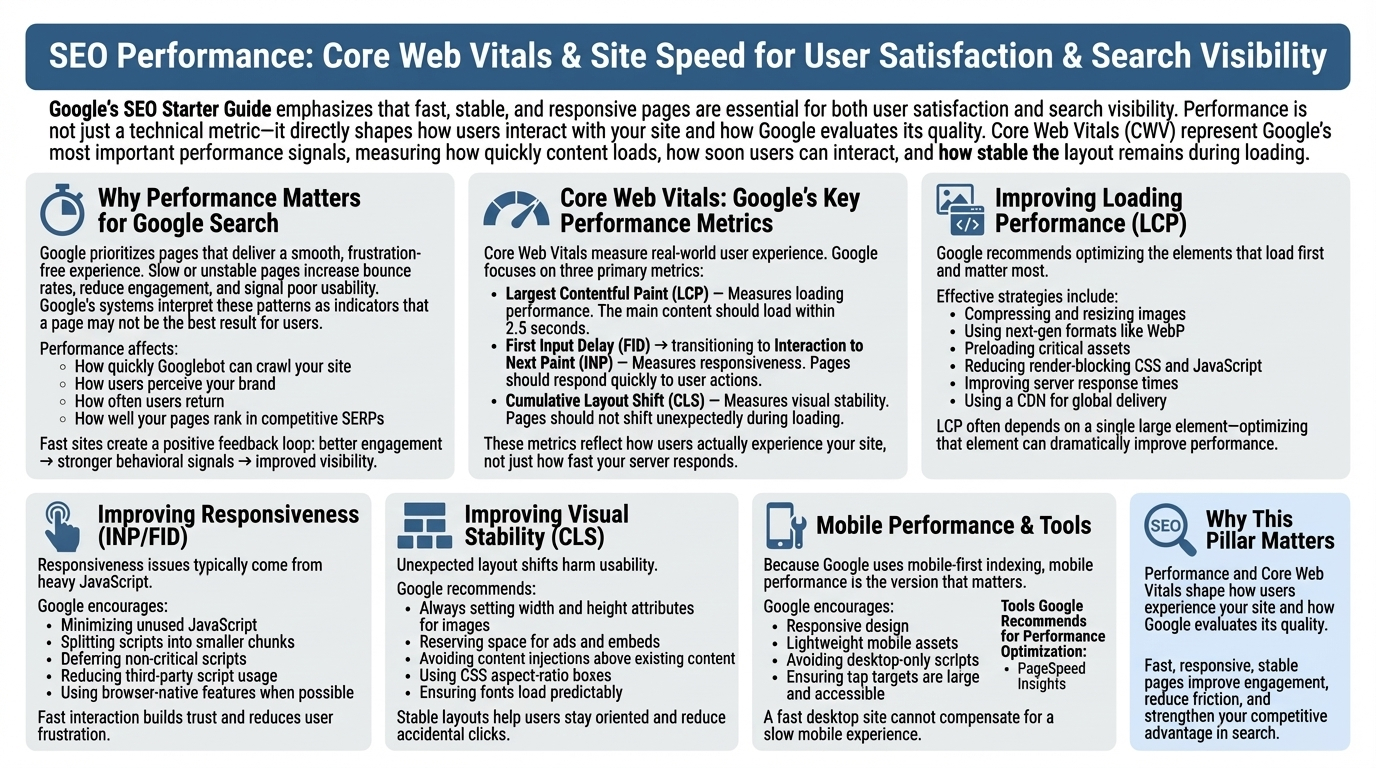
Google’s SEO Starter Guide emphasizes that fast, stable, and responsive pages are essential for both user satisfaction and search visibility. Performance is not just a technical metric—it directly shapes how users interact with your site and how Google evaluates its quality. Core Web Vitals (CWV) represent Google’s most important performance signals, measuring how quickly content loads, how soon users can interact, and how stable the layout remains during loading.
Why Performance Matters for Google Search
Google prioritizes pages that deliver a smooth, frustration‑free experience. Slow or unstable pages increase bounce rates, reduce engagement, and signal poor usability. Google’s systems interpret these patterns as indicators that a page may not be the best result for users. Performance affects:
- How quickly Googlebot can crawl your site
- How users perceive your brand
- How often users return
- How well your pages rank in competitive SERPs
Fast sites create a positive feedback loop: better engagement → stronger behavioral signals → improved visibility.
Core Web Vitals: Google’s Key Performance Metrics
Core Web Vitals measure real‑world user experience. Google focuses on three primary metrics:
- Largest Contentful Paint (LCP) — Measures loading performance. The main content should load within 2.5 seconds.
- First Input Delay (FID) → transitioning to Interaction to Next Paint (INP) — Measures responsiveness. Pages should respond quickly to user actions.
- Cumulative Layout Shift (CLS) — Measures visual stability. Pages should not shift unexpectedly during loading.
These metrics reflect how users actually experience your site, not just how fast your server responds.
Improving Loading Performance (LCP)
Google recommends optimizing the elements that load first and matter most. Effective strategies include:
- Compressing and resizing images
- Using next‑gen formats like WebP
- Preloading critical assets
- Reducing render‑blocking CSS and JavaScript
- Improving server response times
- Using a CDN for global delivery
LCP often depends on a single large element—optimizing that element can dramatically improve performance.
Improving Responsiveness (INP/FID)
Responsiveness issues typically come from heavy JavaScript. Google encourages:
- Minimizing unused JavaScript
- Splitting scripts into smaller chunks
- Deferring non‑critical scripts
- Reducing third‑party script usage
- Using browser‑native features when possible
Fast interaction builds trust and reduces user frustration.
Improving Visual Stability (CLS)
Unexpected layout shifts harm usability. Google recommends:
- Always setting width and height attributes for images
- Reserving space for ads and embeds
- Avoiding content injections above existing content
- Using CSS aspect‑ratio boxes
- Ensuring fonts load predictably
Stable layouts help users stay oriented and reduce accidental clicks.
Mobile Performance as the Primary Benchmark
Because Google uses mobile‑first indexing, mobile performance is the version that matters. Google encourages:
- Responsive design
- Lightweight mobile assets
- Avoiding desktop‑only scripts
- Ensuring tap targets are large and accessible
A fast desktop site cannot compensate for a slow mobile experience.
Tools Google Recommends for Performance Optimization
Google highlights several tools for diagnosing issues:
- PageSpeed Insights
- Lighthouse
- Chrome DevTools
- Search Console’s Core Web Vitals report
These tools reveal bottlenecks and provide actionable recommendations.
Why This Pillar Matters
Performance and Core Web Vitals shape how users experience your site and how Google evaluates its quality. Fast, responsive, stable pages improve engagement, reduce friction, and strengthen your competitive advantage in search.