
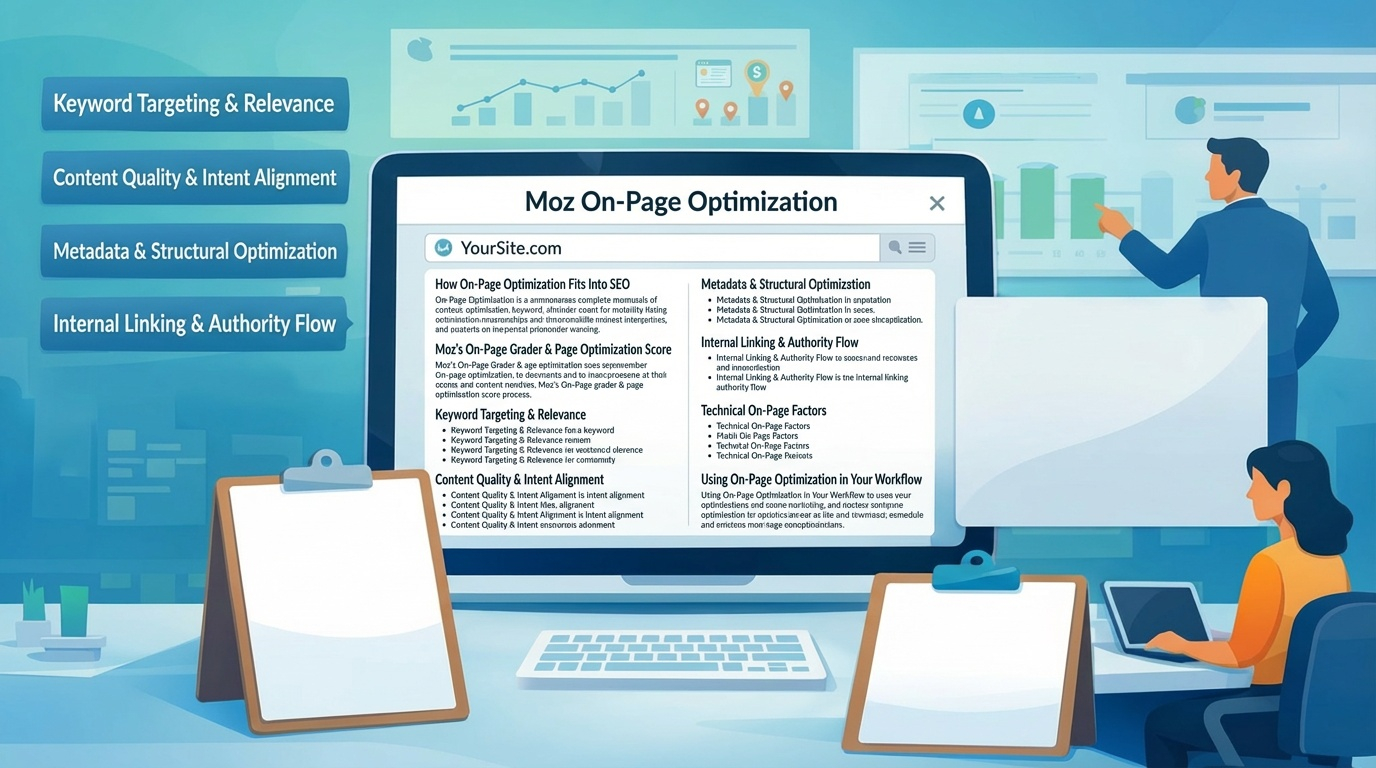
Moz’s On‑Page Optimization tools help you evaluate how well a page is targeting a keyword, whether the content aligns with search intent, and what improvements can increase ranking potential. This pillar focuses on how Moz analyzes page-level SEO, how to use its recommendations, and how on‑page optimization fits into a broader content strategy.
How On‑Page Optimization Fits Into SEO
On‑page optimization is the bridge between keyword research and ranking performance. Once you’ve identified target keywords, you need to ensure your content is structured, written, and technically aligned with what search engines expect. Moz’s tools help you evaluate:
- Keyword targeting
- Content depth and relevance
- Metadata quality
- Page structure
- Internal linking
- SERP intent alignment
This ensures each page is optimized not only for keywords but for user experience and search intent.
Moz’s On‑Page Grader & Page Optimization Score
Moz evaluates individual pages using a Page Optimization Score. This score reflects how well a page is optimized for a specific keyword. It considers:
- Keyword placement in title, H1, URL, and body
- Content relevance and depth
- Internal and external linking
- Page authority
- SERP intent alignment
- Technical elements like canonical tags and meta descriptions
The score helps you quickly identify whether a page is under‑optimized, over‑optimized, or aligned with best practices.
Keyword Targeting & Relevance
Moz checks whether your target keyword appears in strategic locations:
- Title tag
- H1
- First paragraph
- URL slug
- Image alt text
- Subheadings (when relevant)
It also evaluates semantic relevance, ensuring your content includes related terms and concepts that naturally appear in high‑ranking pages. This helps avoid keyword stuffing while improving topical authority.
Content Quality & Intent Alignment
Moz analyzes whether your content matches the dominant search intent:
- Informational
- Transactional
- Navigational
- Commercial investigation
If top‑ranking pages are long‑form guides and your page is a thin product description, Moz flags the mismatch. This helps you adjust content format, depth, and structure to align with what users expect.
Metadata & Structural Optimization
Moz evaluates:
- Title tag length and clarity
- Meta description quality
- H1/H2 structure
- Readability
- Image optimization
- Schema markup (when applicable)
These elements influence both rankings and click‑through rates.
Internal Linking & Authority Flow
Moz highlights opportunities to strengthen internal linking. Pages with strong internal links tend to rank better because they receive more authority and are easier for search engines to crawl. The tool identifies:
- Missing internal links
- Weak anchor text
- Orphan pages
- Opportunities to link from high‑authority pages
This helps you build a more cohesive site architecture.
Technical On‑Page Factors
Moz checks for issues that affect crawlability and indexation:
- Duplicate content
- Canonical tag errors
- Redirect issues
- Slow page speed
- Missing alt attributes
- Thin content
These issues often block ranking potential even when content quality is strong.
Using On‑Page Optimization in Your Workflow
The most effective workflow is:
- Research keywords in Keyword Explorer
- Analyze SERP intent
- Create or update content
- Run On‑Page Optimization
- Fix flagged issues
- Track rankings in Rank Tracking
- Re‑optimize based on performance
This creates a continuous improvement loop.