
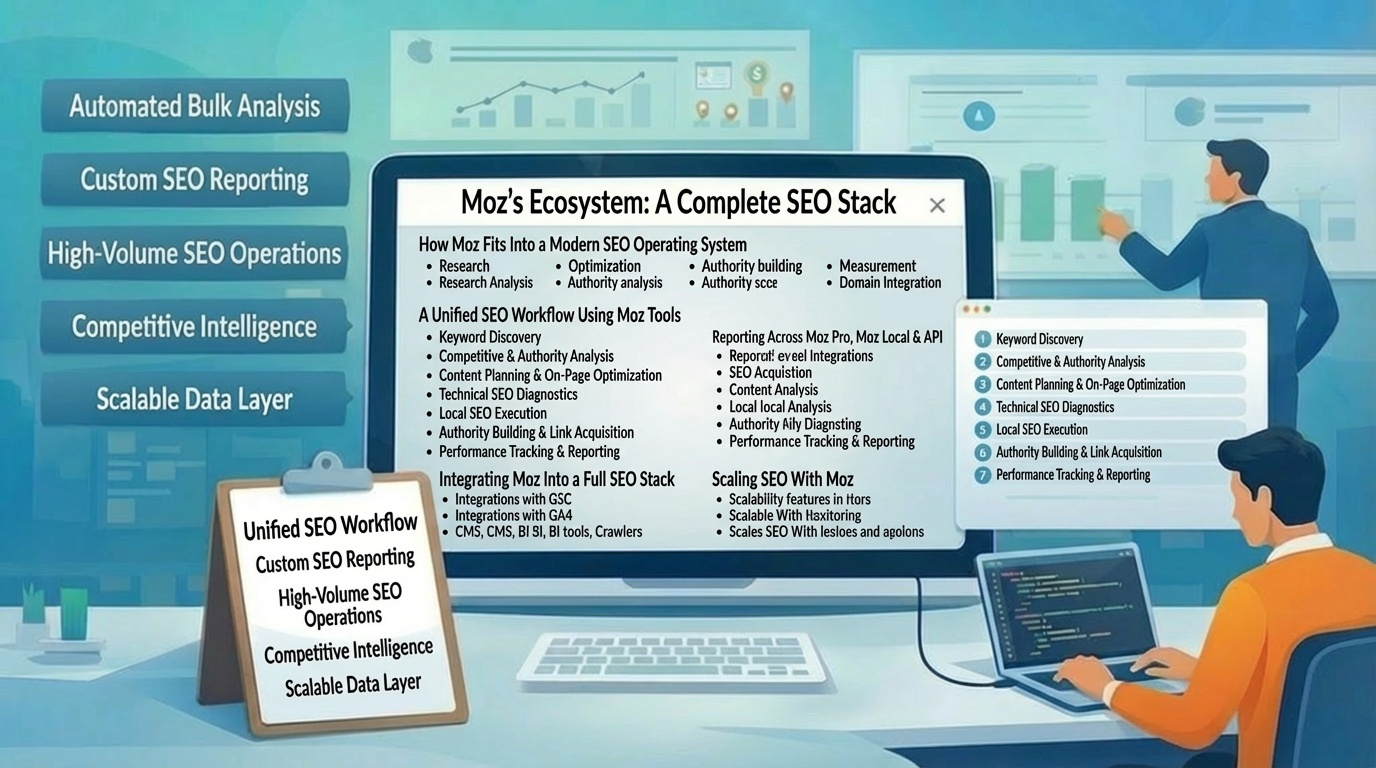
Moz’s ecosystem—Moz Pro, Moz Local, and the Moz API—forms a complete SEO stack when used together. This final pillar ties everything into a unified workflow: how to move from research to optimization to reporting, how to integrate Moz with other tools, and how to build a repeatable SEO operating system that scales across teams, clients, and multi‑location businesses.
How Moz Fits Into a Modern SEO Operating System
Moz is strongest when treated as the backbone of an SEO workflow rather than a standalone tool. Its platform covers the four pillars of SEO execution:
- Research (Keyword Explorer, Link Explorer)
- Optimization (On‑Page tools, Site Crawl)
- Authority building (Link metrics, DA/PA modeling)
- Measurement (Rank Tracking, Local reporting, API dashboards)
This creates a closed‑loop system where insights flow directly into action, and results feed back into strategy.
A Unified SEO Workflow Using Moz Tools
A complete Moz‑driven workflow typically follows this sequence:
- Keyword Discovery & Intent Mapping Use Keyword Explorer to identify opportunities, cluster topics, and map intent. Build keyword lists aligned with funnel stages and content themes.
- Competitive & Authority Analysis Use Link Explorer to evaluate competitor authority, link gaps, and SERP strength. DA/PA modeling helps determine which keywords are realistically winnable.
- Content Planning & On‑Page Optimization Create or update content based on SERP intent. Use Moz’s On‑Page tools to optimize titles, metadata, structure, and internal links.
- Technical SEO Diagnostics Run Site Crawl to identify crawlability issues, duplicate content, broken links, and slow pages. Fix high‑severity issues first to ensure ranking potential isn’t blocked.
- Local SEO Execution (if applicable) Use Moz Local to sync listings, manage reviews, and maintain NAP consistency. Strengthen local authority through citations and reputation signals.
- Authority Building & Link Acquisition Use Link Explorer and Link Intersect to find link prospects. Prioritize targets using DA, Spam Score, and anchor text patterns.
- Performance Tracking & Reporting Use Rank Tracking to monitor keyword movement, visibility, and competitor shifts. Use Moz Local reporting for review trends and listing accuracy. Use the Moz API for automated dashboards and large‑scale reporting.
This workflow ensures every SEO action is grounded in data and tied to measurable outcomes.
Reporting Across Moz Pro, Moz Local & API
Moz supports reporting at multiple levels:
- Moz Pro Reports — Keyword performance, site health, link metrics, and visibility trends.
- Moz Local Reports — Listing accuracy, review sentiment, and location‑level performance.
- API‑Driven Dashboards — Custom BI dashboards for enterprise SEO, agencies, and multi‑location brands.
A strong reporting system helps teams communicate progress, justify investment, and identify new opportunities.
Integrating Moz Into a Full SEO Stack
Moz integrates naturally with other tools:
- Google Search Console — Query data, indexing insights, and performance validation.
- Google Analytics / GA4 — Traffic, engagement, and conversion measurement.
- CMS platforms — WordPress, Shopify, Webflow for content execution.
- BI tools — Looker, Power BI, Tableau for enterprise dashboards.
- Crawlers & QA tools — Screaming Frog, Sitebulb for deeper technical audits.
Moz provides the authority, keyword, and link intelligence layer that complements these systems.
Scaling SEO With Moz
Moz supports scaling through:
- Keyword lists and topic clusters
- Automated weekly crawls
- Multi‑location management
- API‑driven bulk analysis
- Competitor tracking
- Team‑level reporting
This makes Moz suitable for agencies, enterprise teams, and businesses managing dozens or hundreds of locations.