
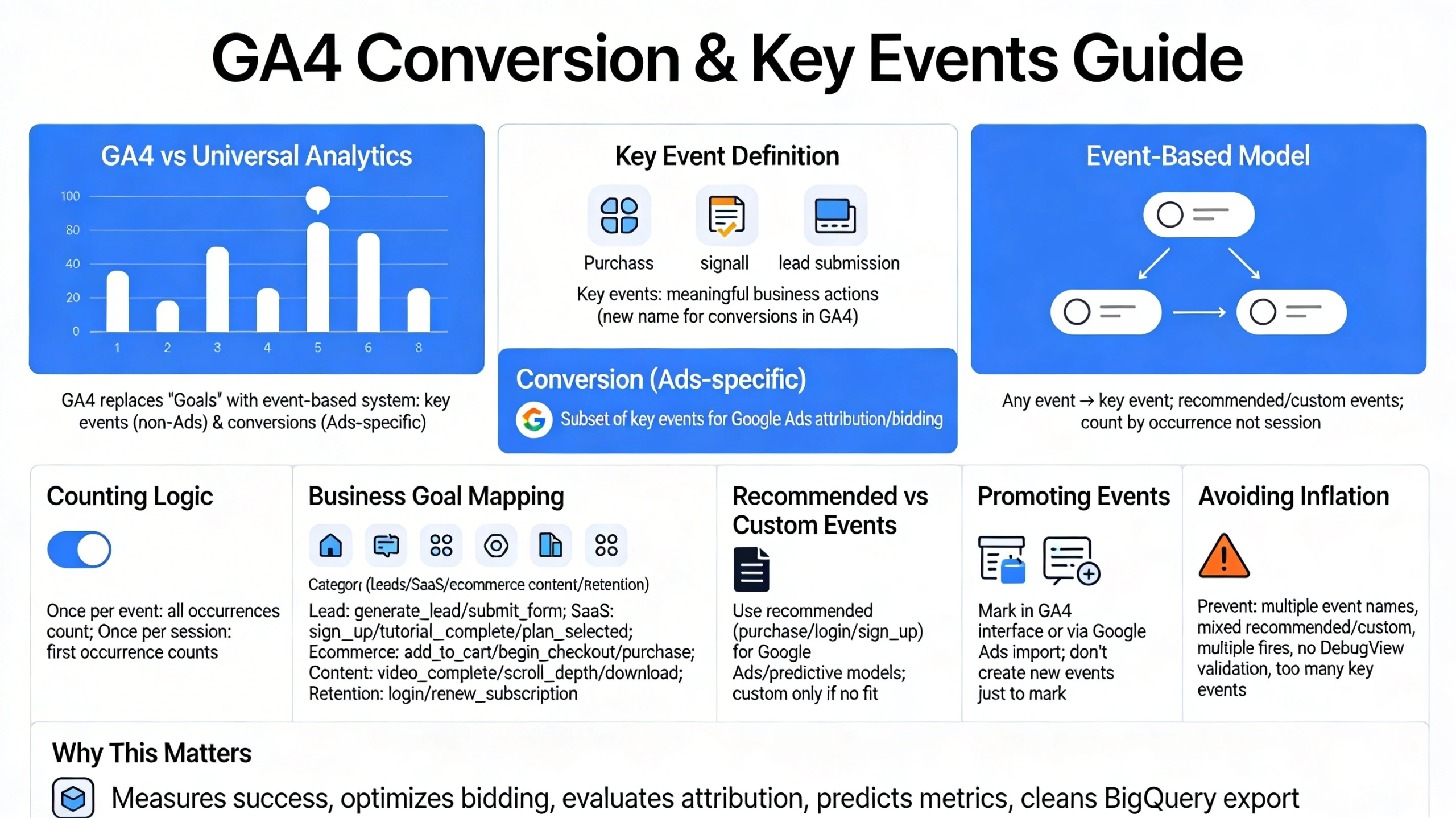
GA4 replaces Universal Analytics’ “Goals” with a more flexible system built on events, key events, and conversion modeling. This pillar explains how GA4 defines conversions, how “key events” now unify reporting across Google Ads and Analytics, and how to architect a clean conversion framework that aligns with your business model. It also incorporates the most recent updates to GA4’s terminology and behavior, including the shift from “conversions” to “key events” for non‑Ads traffic.
How GA4 Defines Conversions and Key Events
GA4 uses two layers of important actions:
- Key Events — the new name for conversions inside GA4. These represent meaningful business actions such as purchases, sign‑ups, or lead submissions.
- Conversions (Ads‑specific) — a subset of key events used specifically for Google Ads attribution and bidding.
This change was introduced to unify how Google Ads and GA4 measure important actions and reduce discrepancies between platforms.
Key events are now the primary way GA4 reports high‑value actions across all traffic sources.
Why GA4 Uses an Event‑Based Conversion Model
GA4’s conversion system is built on its event architecture:
- Any event can be marked as a key event.
- Recommended events (e.g., purchase, generate_lead) unlock richer reporting.
- Custom events can be promoted to key events when needed.
- Conversions are counted based on event occurrences, not session‑based rules.
This gives you more flexibility and accuracy, especially for multi‑step funnels, apps, and SaaS products.
Conversion Counting Logic
GA4 supports two counting methods:
- Once per event — every occurrence counts.
- Once per session — only the first occurrence counts.
Choosing the wrong method can inflate or undercount conversions, especially for ecommerce or multi‑step forms.
Mapping Business Goals to Key Events
A strong conversion framework starts with identifying your core business outcomes:
- Lead generation → generate_lead, submit_form
- SaaS onboarding → sign_up, tutorial_complete, plan_selected
- Ecommerce → add_to_cart, begin_checkout, purchase
- Content engagement → video_complete, scroll_depth, download
- Retention → login, renew_subscription
Each outcome should map to a single, clean event name with consistent parameters across platforms.
Recommended Events vs. Custom Events
GA4 provides a library of recommended events that unlock enhanced reporting and predictive metrics. Examples include:
- purchase
- login
- sign_up
- add_payment_info
- generate_lead
When possible, use recommended events because they integrate better with Google Ads and GA4’s predictive models. Custom events should be used only when your business logic doesn’t fit Google’s predefined taxonomy.
How to Promote an Event to a Key Event
You can mark an event as a key event in two ways:
- Directly in the GA4 interface
- Automatically via Google Ads import (for Ads conversions)
GA4 warns against creating new events solely to mark them as key events; instead, you should track the event normally and then promote it.
Avoiding Conversion Inflation & Duplication
Common issues include:
- Tracking the same action with multiple event names
- Using both recommended and custom events for identical actions
- Firing events multiple times on single-page apps
- Not validating events in DebugView
- Marking too many events as key events
A clean conversion architecture ensures accurate attribution and reporting.
Why This Pillar Matters
Your conversion framework determines:
- How GA4 measures business success
- How Google Ads optimizes bidding
- How attribution models evaluate performance
- How predictive metrics (purchase probability, churn) behave
- How clean your BigQuery export becomes
A disciplined conversion system is the backbone of all downstream analytics, optimization, and automation.