
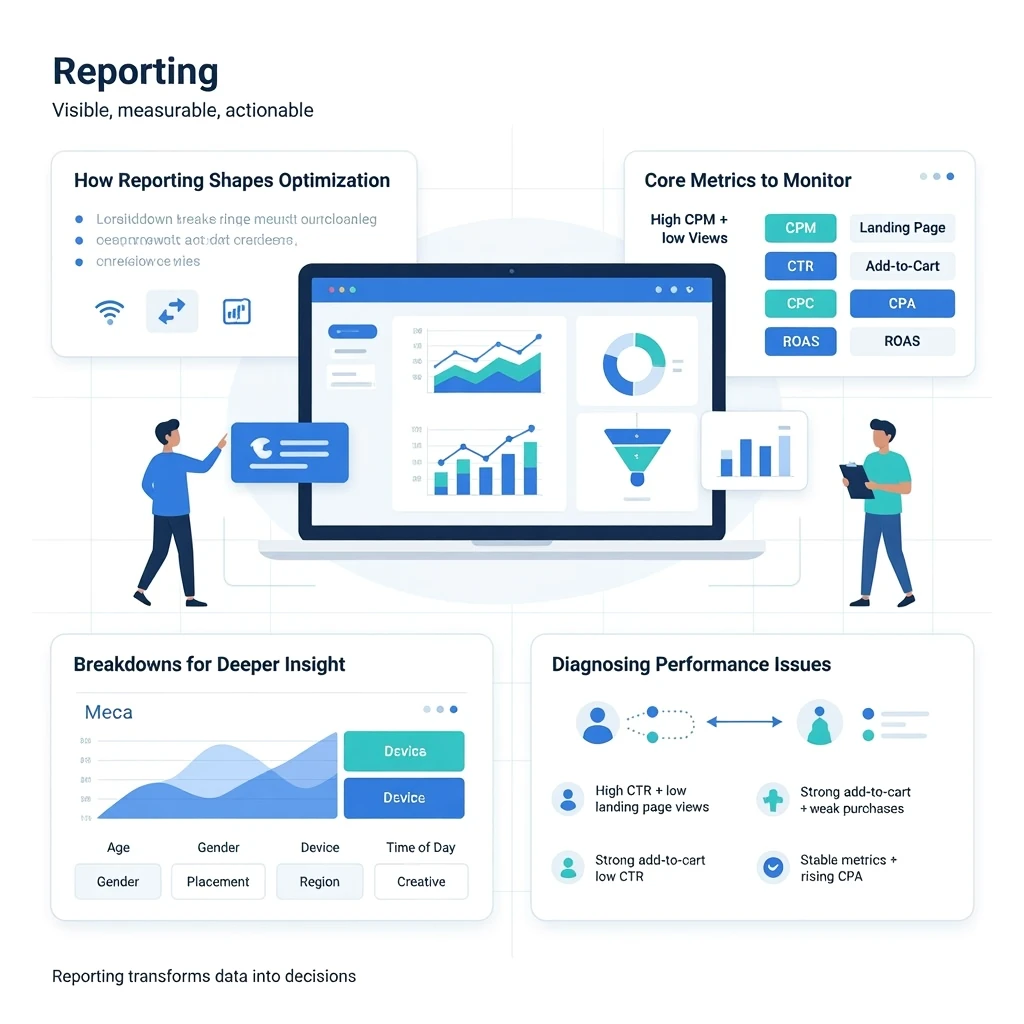
Reporting is where Meta Ads performance becomes visible, measurable, and actionable. Even the strongest campaigns lose efficiency without a disciplined reporting framework. Meta’s analytics tools reveal how users behave, how the algorithm delivers, and where budget is being wasted or underutilized. This pillar explains how to interpret performance data, diagnose issues, and turn insights into strategic decisions that improve efficiency and scalability.
How Reporting Shapes Optimization
Meta’s algorithm responds to the signals you feed it, but you respond to the signals Meta gives back. Reporting helps you understand:
- Which audiences are converting
- Which creatives are driving engagement
- Which placements are efficient
- How the algorithm is pacing your budget
- Where bottlenecks or drop-offs occur
Strong reporting is not about looking at numbers—it’s about understanding the story behind the numbers.
Core Metrics to Monitor
Meta provides dozens of metrics, but only a handful consistently drive performance decisions.
- CPM (Cost per 1,000 impressions) — measures competitiveness and audience cost
- CTR (Click-through rate) — measures creative relevance
- CPC (Cost per click) — measures traffic efficiency
- Landing page views — measures click quality
- Add-to-cart / initiate checkout — measures purchase intent
- CPA (Cost per acquisition) — measures efficiency
- ROAS (Return on ad spend) — measures profitability
These metrics form the backbone of your reporting system. Each one reveals a different layer of performance.
Breakdowns for Deeper Insight
Breakdowns allow you to analyze performance by:
- Age
- Gender
- Placement
- Device
- Region
- Time of day
- Creative asset
These views help identify hidden inefficiencies. For example:
- If Reels deliver cheap CPMs but low conversions, the creative may not match intent.
- If Instagram Feed outperforms Facebook Feed, budget allocation may need adjustment.
- If mobile converts better than desktop, landing pages may need optimization.
Breakdowns turn raw data into actionable insights.
Attribution & Conversion Windows
Attribution determines how Meta credits conversions. The default 7-day click, 1-day view window provides a balanced view of performance. Shorter windows reduce reported conversions and can make campaigns appear weaker than they are. Longer windows inflate attribution and can hide inefficiencies.
Attribution should match your sales cycle. Fast-moving products benefit from shorter windows; high-ticket items may require longer ones.
Diagnosing Performance Issues
Reporting helps identify the root cause of performance drops. Common patterns include:
- High CPM + low CTR → creative fatigue or poor audience fit
- High CTR + low landing page views → slow website or tracking issues
- Strong add-to-cart + weak purchases → checkout friction
- Stable metrics + rising CPA → increased competition or algorithm reset
Each pattern points to a different optimization lever.
Incrementality & Lift Studies
Meta offers advanced measurement tools such as:
- Conversion Lift
- Brand Lift
- A/B testing
- Holdout experiments
These tools help determine whether Meta Ads are driving incremental results or simply capturing conversions that would have happened anyway.
Building a Reporting Cadence
High-performing advertisers follow a consistent reporting rhythm:
- Daily — pacing, spend, major anomalies
- Weekly — creative performance, audience trends, optimization decisions
- Monthly — strategic insights, scaling opportunities, budget reallocation
Consistency prevents reactive decision-making and supports long-term stability.
Strategic Takeaway
Reporting is the compass of Meta Ads. When you understand how to interpret metrics, analyze breakdowns, and diagnose performance patterns, optimization becomes systematic instead of reactive. Strong reporting transforms data into decisions—and decisions into scalable growth.