
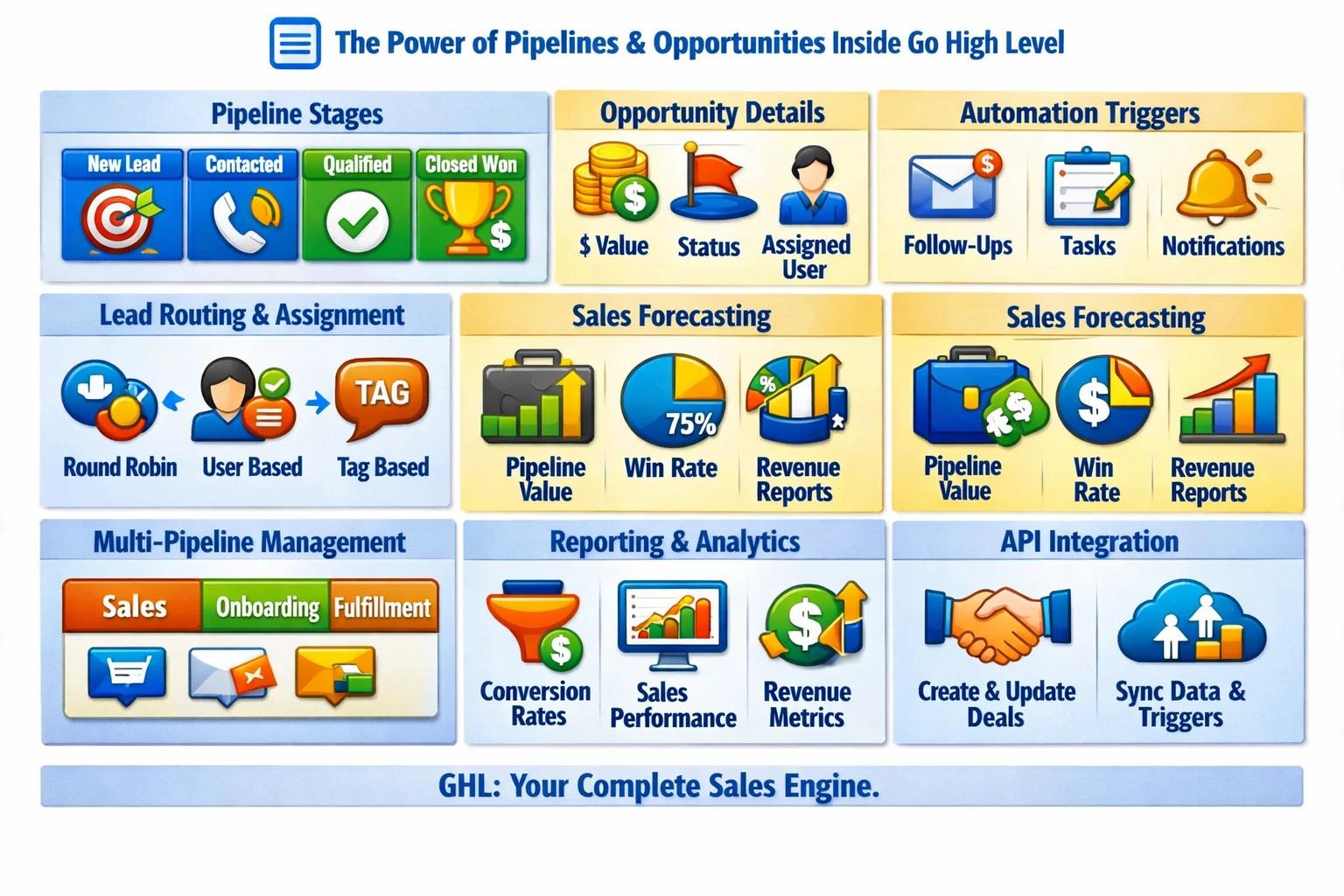
Pipelines and opportunities form the sales engine of Go High Level. They turn raw leads into structured deal flows, automate follow‑ups, and give teams a clear view of revenue progression. When designed correctly, pipelines become the backbone of lead routing, appointment management, and sales forecasting across all sub‑accounts.
How Pipelines Fit Into the GHL Ecosystem
Pipelines integrate with nearly every major module:
- Contacts and custom fields
- Calendars and appointments
- Workflows and triggers
- Conversations and messaging
- Payments and invoices
- Reporting dashboards
- API‑driven updates
Because opportunities are tied directly to contacts, every movement inside the pipeline updates the CRM and triggers automation.
Pipeline Structure & Design Principles
A pipeline is a visual representation of your sales process. Each stage should reflect a meaningful step in the customer journey.
Common structures include:
- New Lead
- Contacted
- Qualified
- Appointment Set
- Appointment Completed
- Proposal Sent
- Closed Won
- Closed Lost
The key is to avoid clutter. Every stage must represent a decision point, not a task.
Opportunities: The Core Sales Object
Each opportunity contains:
- Pipeline
- Stage
- Monetary value
- Status (open, won, lost, abandoned)
- Assigned user
- Source
- Notes
- Custom fields
- Activity history
Opportunities allow you to track both lead progression and revenue forecasting.
Automation Through Pipeline Stage Changes
Pipeline stage changes are among the most powerful workflow triggers in GHL. They can automate:
- SMS/email follow‑ups
- Task creation
- Team assignment
- Appointment reminders
- Lead scoring
- Qualification logic
- Payment requests
- Review requests
- Onboarding sequences
This turns your pipeline into a fully automated sales machine.
Lead Routing & Assignment
GHL supports multiple routing methods:
- Round‑robin assignment
- User‑based routing
- Tag‑based routing
- Source‑based routing
- Calendar‑based routing
- API‑driven routing
Routing ensures leads reach the right salesperson instantly, reducing response time and increasing conversion rates.
Sales Forecasting & Reporting
Pipelines feed directly into reporting dashboards that show:
- Total pipeline value
- Stage‑by‑stage conversion rates
- Sales velocity
- Win/loss ratios
- Revenue projections
- Team performance
This gives agencies and businesses a clear view of revenue health.
Multi‑Pipeline Architecture
Most businesses need more than one pipeline. Common examples:
- Sales pipeline
- Fulfillment pipeline
- Onboarding pipeline
- Renewal pipeline
- Support pipeline
Each pipeline can have its own workflows, triggers, and automation logic.
API Capabilities for Pipelines & Opportunities
The API allows you to:
- Create opportunities
- Update stages
- Assign users
- Sync external CRMs
- Trigger workflows
- Build custom dashboards
- Automate multi‑location sales processes
This is essential for SaaS mode, external lead sources, and advanced routing systems.
Avoiding Pipeline Problems
Common issues include:
- Too many stages
- Stages that represent tasks instead of milestones
- No automation tied to stage changes
- Duplicate opportunities
- Missing opportunity values
- No closed‑lost tracking
- Poor naming conventions
A clean pipeline structure ensures predictable automation and accurate reporting.
Why Pipelines Matter for Scaling
Pipelines determine:
- Lead‑to‑customer conversion rate
- Sales team efficiency
- Revenue forecasting accuracy
- Automation reliability
- Onboarding flow
- Client experience
A strong pipeline system turns GHL into a true sales operating platform—not just a CRM.