
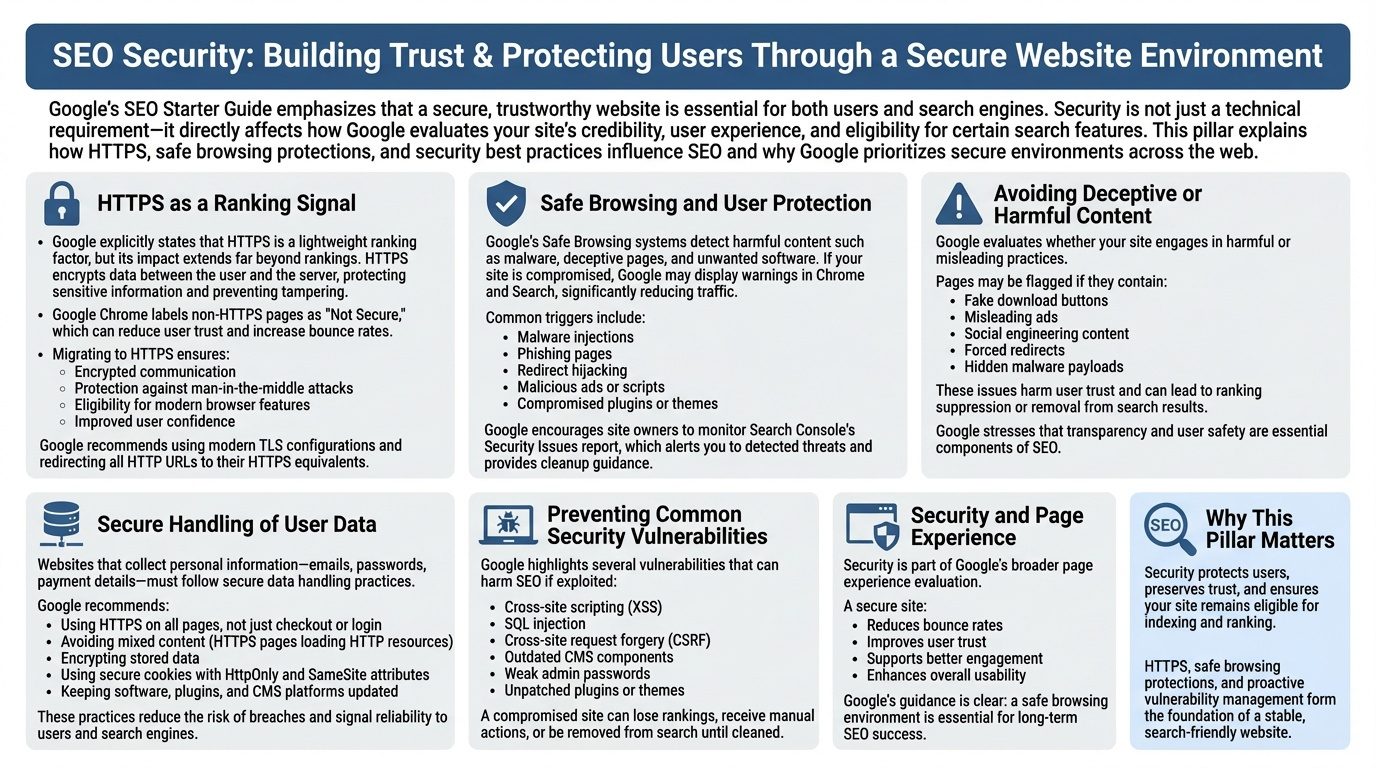
Google’s SEO Starter Guide emphasizes that a secure, trustworthy website is essential for both users and search engines. Security is not just a technical requirement—it directly affects how Google evaluates your site’s credibility, user experience, and eligibility for certain search features. This pillar explains how HTTPS, safe browsing protections, and security best practices influence SEO and why Google prioritizes secure environments across the web.
HTTPS as a Ranking Signal
Google explicitly states that HTTPS is a lightweight ranking factor, but its impact extends far beyond rankings. HTTPS encrypts data between the user and the server, protecting sensitive information and preventing tampering. Google Chrome labels non‑HTTPS pages as “Not Secure,” which can reduce user trust and increase bounce rates. Migrating to HTTPS ensures:
- Encrypted communication
- Protection against man‑in‑the‑middle attacks
- Eligibility for modern browser features
- Improved user confidence
Google recommends using modern TLS configurations and redirecting all HTTP URLs to their HTTPS equivalents.
Safe Browsing and User Protection
Google’s Safe Browsing systems detect harmful content such as malware, deceptive pages, and unwanted software. If your site is compromised, Google may display warnings in Chrome and Search, significantly reducing traffic. Common triggers include:
- Malware injections
- Phishing pages
- Redirect hijacking
- Malicious ads or scripts
- Compromised plugins or themes
Google encourages site owners to monitor Search Console’s Security Issues report, which alerts you to detected threats and provides cleanup guidance.
Avoiding Deceptive or Harmful Content
Google evaluates whether your site engages in harmful or misleading practices. Pages may be flagged if they contain:
- Fake download buttons
- Misleading ads
- Social engineering content
- Forced redirects
- Hidden malware payloads
These issues harm user trust and can lead to ranking suppression or removal from search results. Google stresses that transparency and user safety are essential components of SEO.
Secure Handling of User Data
Websites that collect personal information—emails, passwords, payment details—must follow secure data handling practices. Google recommends:
- Using HTTPS on all pages, not just checkout or login
- Avoiding mixed content (HTTPS pages loading HTTP resources)
- Encrypting stored data
- Using secure cookies with HttpOnly and SameSite attributes
- Keeping software, plugins, and CMS platforms updated
These practices reduce the risk of breaches and signal reliability to users and search engines.
Preventing Common Security Vulnerabilities
Google highlights several vulnerabilities that can harm SEO if exploited:
- Cross‑site scripting (XSS)
- SQL injection
- Cross‑site request forgery (CSRF)
- Outdated CMS components
- Weak admin passwords
- Unpatched plugins or themes
A compromised site can lose rankings, receive manual actions, or be removed from search until cleaned.
Security and Page Experience
Security is part of Google’s broader page experience evaluation. A secure site:
- Reduces bounce rates
- Improves user trust
- Supports better engagement
- Enhances overall usability
Google’s guidance is clear: a safe browsing environment is essential for long‑term SEO success.
Why This Pillar Matters
Security protects users, preserves trust, and ensures your site remains eligible for indexing and ranking. HTTPS, safe browsing protections, and proactive vulnerability management form the foundation of a stable, search‑friendly website.