
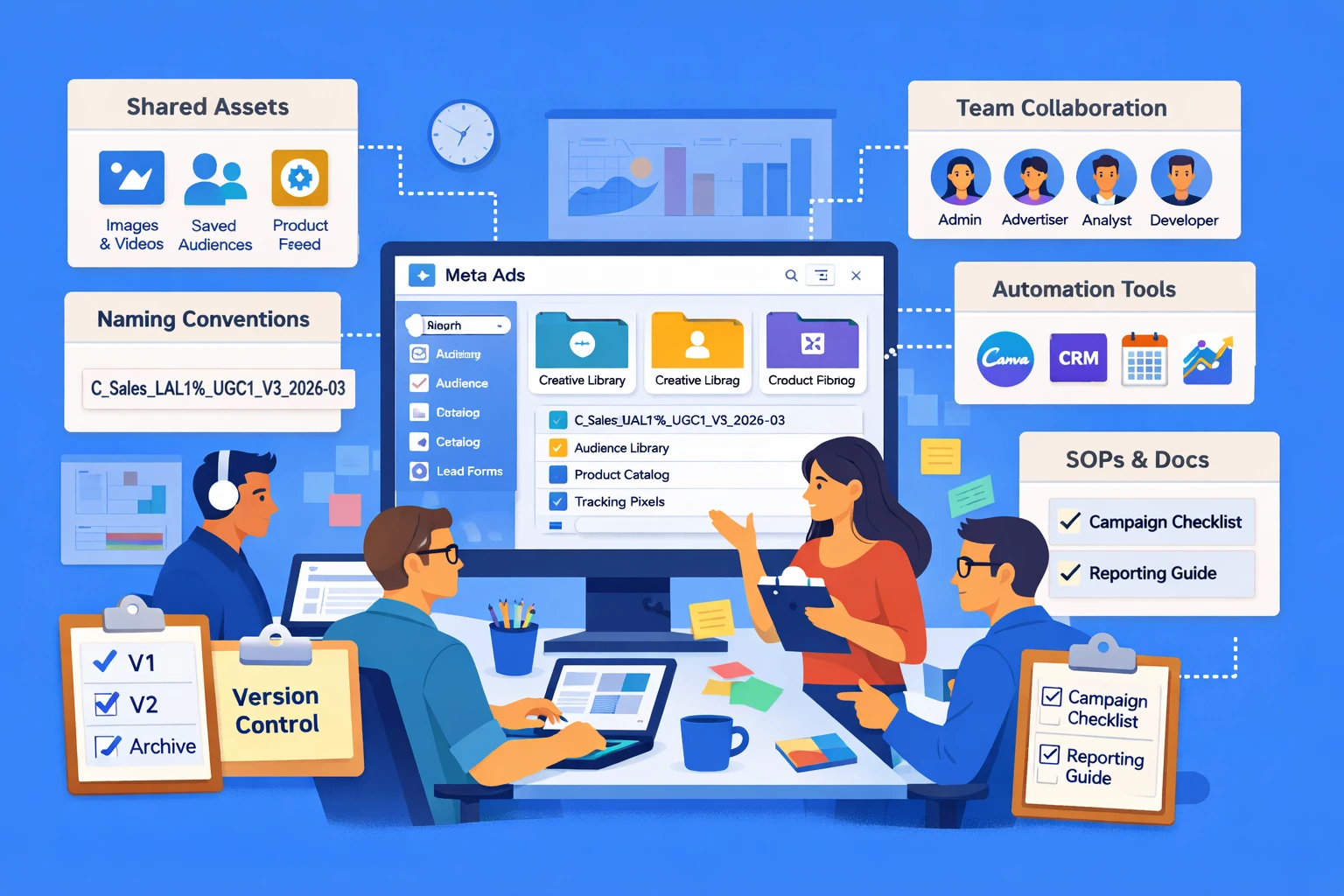
Workflow and asset management determine how efficiently you can build, launch, optimize, and scale Meta Ads over time. As campaigns grow more complex—with multiple audiences, creative variations, catalogs, and team members—organizational structure becomes a performance lever. This pillar explains how Meta’s workflow tools, shared assets, and collaboration systems help advertisers maintain clarity, reduce errors, and accelerate execution.
Why Workflow Matters in Meta Ads
Meta Ads performance isn’t just about targeting and creative—it’s also about how quickly you can test, iterate, and deploy new ideas. Disorganized workflows lead to:
- Duplicate audiences
- Conflicting naming conventions
- Lost creative assets
- Overlapping campaigns
- Slow optimization cycles
A clean workflow creates consistency, reduces mistakes, and allows teams to scale without chaos.
Shared Asset Libraries
Meta provides centralized libraries for storing and managing assets:
- Creative Library — images, videos, templates, UGC variations
- Audience Library — saved audiences, custom audiences, lookalikes
- Catalogs — product feeds for dynamic ads
- Instant Forms — lead forms for lead generation campaigns
- Pixels & CAPI configurations — tracking infrastructure
Centralizing assets ensures teams use the correct versions and prevents fragmentation across campaigns.
Naming Conventions & Structural Clarity
Clear naming conventions make reporting, optimization, and collaboration dramatically easier. Strong naming systems include:
- Campaign objective
- Funnel stage
- Audience type
- Creative concept
- Date or version number
For example: C_Sales_LAL1%_UGC1_V3_2026-03
Consistent naming reduces confusion and speeds up decision-making.
Version Control & Creative Management
Creative fatigue is inevitable, so managing versions is essential. Effective workflows include:
- Versioning creative concepts (V1, V2, V3…)
- Archiving outdated assets
- Tagging assets by theme, hook, or angle
- Tracking performance history for each creative
This allows teams to quickly identify winners, retire losers, and maintain a steady pipeline of new concepts.
Team Collaboration & Permissions
Meta’s Business Manager allows advertisers to assign roles and permissions:
- Admin
- Advertiser
- Analyst
- Finance
- Developer
Proper permission management prevents accidental edits, protects sensitive data, and ensures accountability. Larger teams benefit from separating responsibilities across creative, media buying, analytics, and development.
Workflow Automation & Integrations
Meta integrates with tools that streamline operations:
- Creative tools (Canva, Adobe Express)
- Feed management platforms
- CRM systems
- Analytics dashboards
- Scheduling and project management tools
Automation reduces manual work and ensures data flows smoothly between systems.
Cross-Account & Cross-Brand Management
For agencies or multi-brand businesses, Meta’s asset-sharing features simplify scaling:
- Shared audiences
- Shared catalogs
- Shared pixels
- Shared creative libraries
This prevents duplication and ensures consistency across brands or clients.
Documentation & SOPs
High-performing teams maintain internal documentation for:
- Campaign setup procedures
- Testing frameworks
- Creative guidelines
- Reporting cadences
- Optimization checklists
Standard operating procedures reduce onboarding time and ensure campaigns are built consistently.
Strategic Takeaway
Workflow and asset management are the invisible infrastructure behind successful Meta Ads operations. When assets are organized, naming conventions are consistent, permissions are controlled, and processes are documented, teams move faster and make fewer mistakes. Strong workflow discipline turns Meta Ads from a chaotic environment into a scalable, repeatable system.