
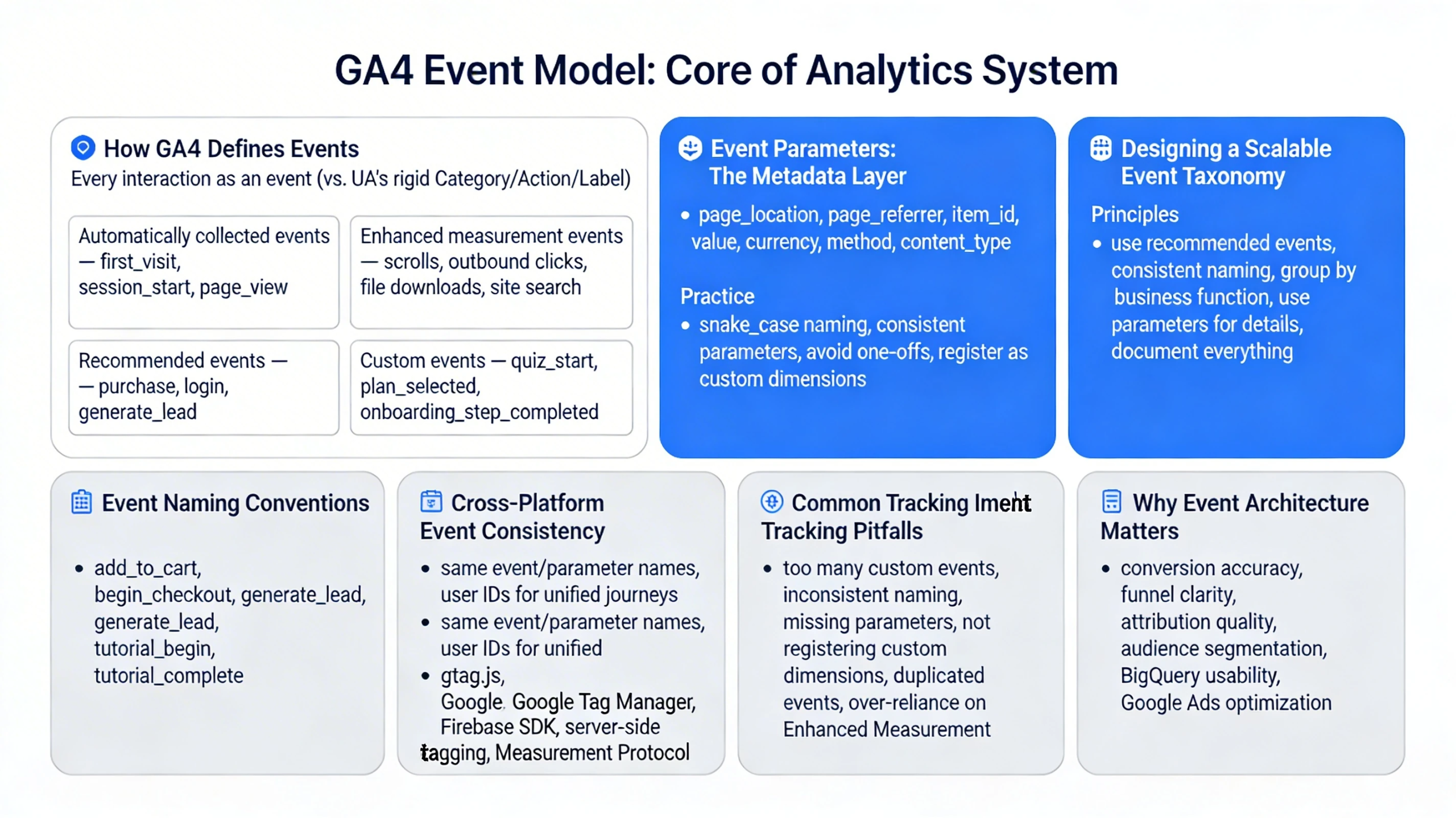
GA4’s event model is the core of the entire analytics system. Everything—pageviews, conversions, ecommerce, funnels, engagement, app interactions—is captured as an event with parameters. This pillar builds the full mental model for how GA4 events work, how to design a scalable taxonomy, and how to avoid the fragmentation that ruins reporting.
How GA4 Defines Events
GA4 treats every interaction as an event, a major shift from Universal Analytics. Events are flexible objects that describe what happened, where it happened, and why it matters. This model is more adaptable and future‑proof than the rigid Category/Action/Label structure of UA.
GA4 events fall into four categories:
- Automatically collected events — core system events like first_visit, session_start, page_view.
- Enhanced measurement events — scrolls, outbound clicks, file downloads, site search.
- Recommended events — standardized events like purchase, login, generate_lead, which unlock richer reporting.
- Custom events — business‑specific events you define, such as quiz_start, plan_selected, or onboarding_step_completed.
This structure is designed to support cross‑platform measurement and flexible business logic.
Event Parameters: The Metadata Layer
Every event can include parameters—contextual details that describe the event. Examples include:
- page_location
- page_referrer
- item_id
- value
- currency
- method
- content_type
Parameters are the backbone of GA4 reporting. They allow you to build custom dimensions, custom metrics, and advanced funnels.
Best practices include:
- Use snake_case naming.
- Keep parameters consistent across events.
- Avoid creating too many one‑off parameters.
- Register important parameters as custom dimensions.
A clean parameter schema prevents reporting chaos.
Designing a Scalable Event Taxonomy
A strong taxonomy ensures your data is clean, consistent, and future‑proof. The best systems follow these principles:
- Use recommended events whenever possible.
- Use consistent naming across web and app.
- Group events by business function (e.g., acquisition, engagement, monetization).
- Use parameters for details instead of creating dozens of event names.
- Document every event, parameter, and trigger condition.
This creates a measurement system that scales with your product.
Event Naming Conventions
GA4 recommends:
- Lowercase
- Snake_case
- Verb‑first naming
Examples:
- add_to_cart
- begin_checkout
- generate_lead
- tutorial_begin
- tutorial_complete
This makes events predictable and easy to query in BigQuery.
Cross‑Platform Event Consistency
GA4 is built for unified app + web tracking. That means:
- Use the same event names across platforms.
- Use the same parameter names across platforms.
- Use user IDs to unify journeys.
This ensures accurate attribution and funnel reporting.
Event Tracking Implementation Patterns
GA4 events can be implemented through:
- gtag.js
- Google Tag Manager
- Firebase SDK
- Server‑side tagging
- Measurement Protocol
Each method supports the same event model, but GTM and Firebase offer the most flexibility.
Common Event Tracking Pitfalls
Teams often run into problems like:
- Too many custom events
- Inconsistent naming
- Missing parameters
- Not registering custom dimensions
- Duplicated events across platforms
- Over‑reliance on Enhanced Measurement
A disciplined taxonomy prevents these issues.
Why Event Architecture Matters
Your event model determines:
- Conversion accuracy
- Funnel clarity
- Attribution quality
- Audience segmentation
- BigQuery usability
- Google Ads optimization
A clean event system is the foundation of every advanced GA4 deployment.