
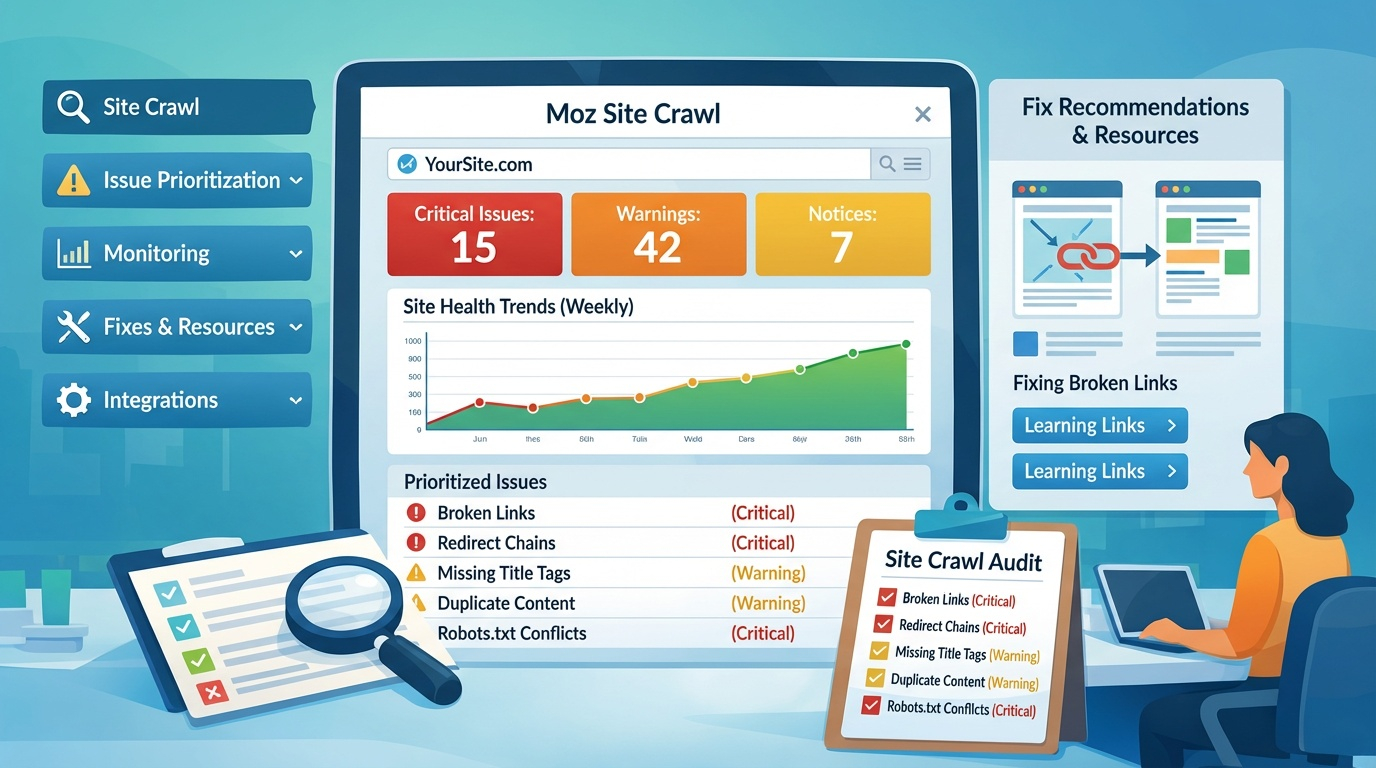
Moz Site Crawl is Moz Pro’s automated technical SEO auditing system. It scans your entire website, identifies issues that block crawling and indexing, and prioritizes fixes based on severity. Because technical SEO directly affects discoverability and ranking potential, Site Crawl is a foundational tool for maintaining site health and ensuring search engines can access and understand your content. Moz emphasizes that Site Crawl helps you “find and fix common technical SEO issues that may impede your site’s ability to receive high‑quality traffic, rank, or be indexed” .
How Site Crawl Fits Into the SEO Workflow
Site Crawl supports the diagnostic and maintenance phases of SEO. It identifies structural issues, monitors site health over time, and alerts you to new or recurring problems. This makes it essential for ongoing optimization, especially for large or frequently updated websites. Moz highlights that the tool “crawls large sites fast and keeps track of new and recurring issues over time” .
What Site Crawl Detects
Site Crawl checks for a wide range of technical issues that affect crawling, indexing, and ranking. These include:
- Broken links and 404 errors
- Redirect chains and loops
- Missing or duplicate title tags
- Duplicate content
- Server errors
- Missing metadata
- Slow-loading pages
- Crawlability issues
- Robots.txt conflicts
- Canonicalization problems
Independent reviews confirm that Site Crawl identifies “broken links, missing title tags, server errors, and duplicate content” with clear visual alerts and prioritization .
Issue Prioritization & Severity Levels
Site Crawl categorizes issues by severity—Critical, Warning, and Notice—so you know where to focus first. Critical issues typically include crawl blocks, server errors, and broken pages. Warnings may include missing metadata or duplicate content. Notices highlight opportunities for improvement. This prioritization helps teams allocate resources efficiently and address the issues with the biggest ranking impact.
Crawl Speed & Scalability
Moz’s crawler, Rogerbot, is designed to handle large websites quickly and efficiently. Moz emphasizes that Site Crawl can “crawl sites fast” and continuously monitor changes over time . This makes it suitable for enterprise sites, e‑commerce stores, and content-heavy platforms.
Visual Reporting & Issue Tracking
Site Crawl presents findings in a visual dashboard with color‑coded alerts. This makes it easy to understand site health at a glance. Users can drill into specific issues, view affected URLs, and access recommended fixes. Reviews note that the visual interface helps users “see at a glance what’s critical and what can wait” .
Fix Recommendations & Learning Resources
Each issue includes an explanation and recommended fix. Moz’s Learning Center also provides deeper guidance on crawling, indexation, and technical SEO best practices, including checklists and developer resources . This makes Site Crawl both a diagnostic tool and an educational resource.
Monitoring Over Time
Site Crawl runs automatically on a weekly basis (or on demand), tracking improvements and regressions. This historical view helps teams measure progress, catch new issues early, and maintain long-term site health.
Integrating Site Crawl Into SEO Strategy
Site Crawl works best when paired with:
- Keyword targeting (Keyword Explorer)
- Content optimization
- Link analysis (Link Explorer)
- Rank tracking
- Developer collaboration
Together, these tools create a complete SEO ecosystem.