
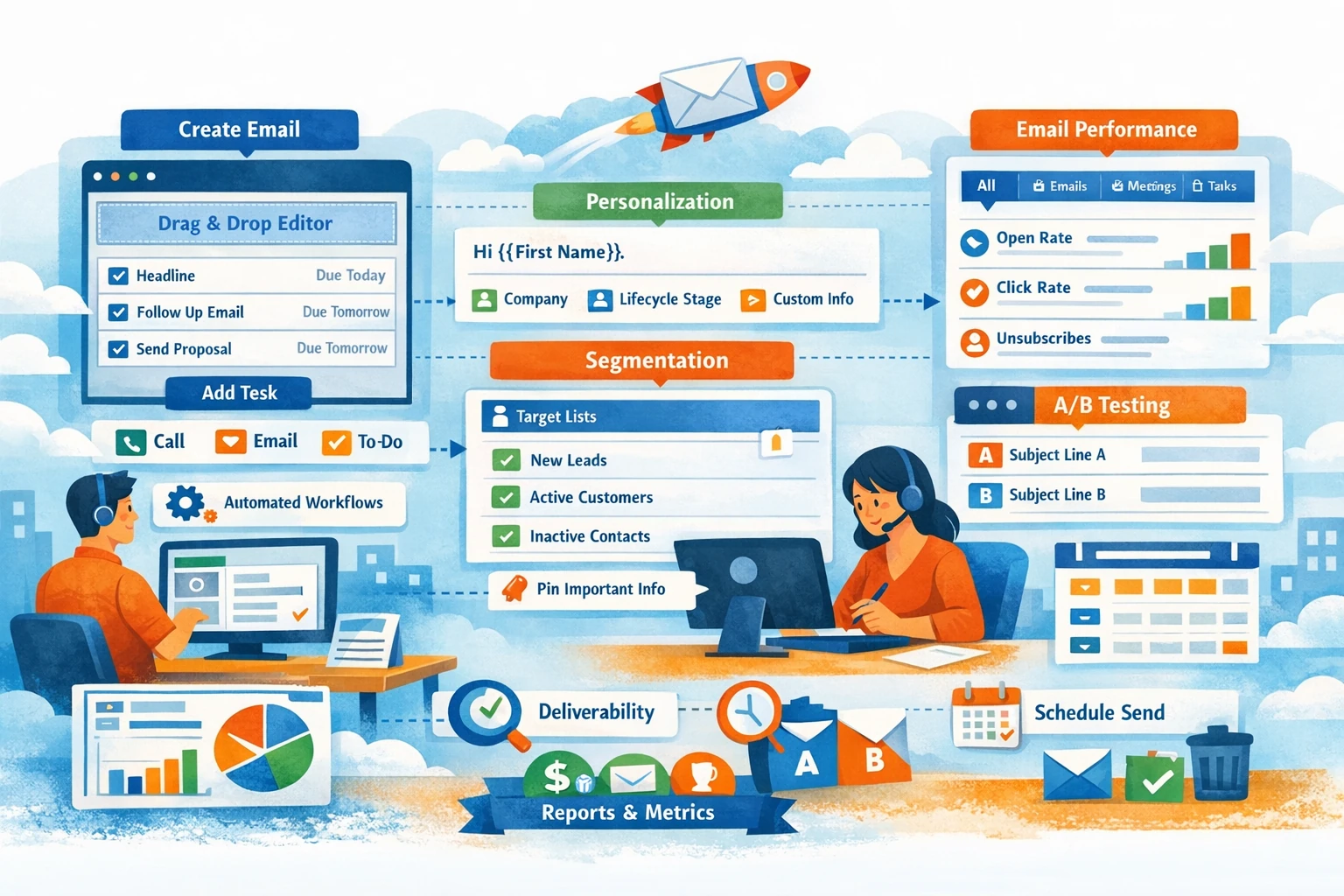
Email Marketing in HubSpot is one of the most powerful tools for nurturing leads, engaging customers, and driving conversions. Because HubSpot connects email performance with CRM data, every send becomes smarter over time. This pillar covers how to create emails, build templates, segment audiences, personalize content, analyze performance, and maintain deliverability.
Creating Emails in the HubSpot Email Tool
HubSpot offers a drag‑and‑drop email builder that lets you create professional emails without design skills. You can choose from pre‑built templates or start from scratch. The editor supports modules like text, images, buttons, dividers, and CTAs. Each module can be customized for desktop and mobile. Use brand colors, consistent spacing, and clear hierarchy to improve readability. Before sending, preview your email across devices and run a spam check to catch deliverability issues.
Using Templates for Consistency and Speed
Templates save time and ensure brand consistency. You can create templates for newsletters, promotions, onboarding sequences, or sales follow‑ups. Templates can include reusable modules, saved sections, and global branding elements. For teams, templates enforce structure so every email meets your quality standards. When updating brand elements, global modules allow you to update all templates at once. Templates also reduce errors by standardizing layout and formatting.
Personalizing Emails with CRM Data
HubSpot’s personalization tokens let you insert dynamic data such as First Name, Company Name, Lifecycle Stage, or custom properties. Personalized emails increase engagement and trust. Beyond tokens, you can use smart content to show different text or images based on list membership, device type, or lifecycle stage. For example, MQLs might see educational content while SQLs see product-focused messaging. Personalization should enhance clarity, not overwhelm the reader.
Segmenting Audiences with Lists
Segmentation determines who receives your email. Use active lists to target contacts based on behavior, properties, or lifecycle stage. Common segments include new subscribers, engaged leads, inactive contacts, customers, or contacts who viewed specific pages. Avoid sending broad blasts; targeted emails improve open rates and reduce unsubscribes. HubSpot also allows suppression lists to exclude contacts who shouldn’t receive certain emails, such as customers during a prospect-only campaign.
A/B Testing for Optimization
HubSpot supports A/B testing for subject lines, content, CTAs, or send times. Testing helps you understand what resonates with your audience. Start with simple tests like subject line variations, then expand to layout or messaging differences. HubSpot automatically selects a winner based on open or click rates. Over time, testing builds a library of insights that improve your overall email strategy.
Scheduling and Smart Send Times
You can schedule emails for specific dates and times or use time zone sending to deliver at the same local time for each contact. For workflows, HubSpot allows business-hour sending to avoid delivering emails at night or on weekends. Consistent timing improves engagement and reduces spam complaints.
Analyzing Email Performance
After sending, review metrics such as open rate, click rate, bounce rate, unsubscribe rate, and spam reports. HubSpot also shows heatmaps for click distribution. Compare performance across campaigns to identify trends. High bounce rates may indicate list quality issues, while low click rates may signal weak CTAs or irrelevant content. Use these insights to refine your segmentation and messaging.
Maintaining Deliverability
Deliverability determines whether your emails reach inboxes. Authenticate your domain with DKIM and SPF. Keep your lists clean by removing unengaged contacts. Avoid spammy subject lines and excessive images. Monitor bounce and spam rates regularly. HubSpot’s health tools help you maintain a strong sender reputation.