
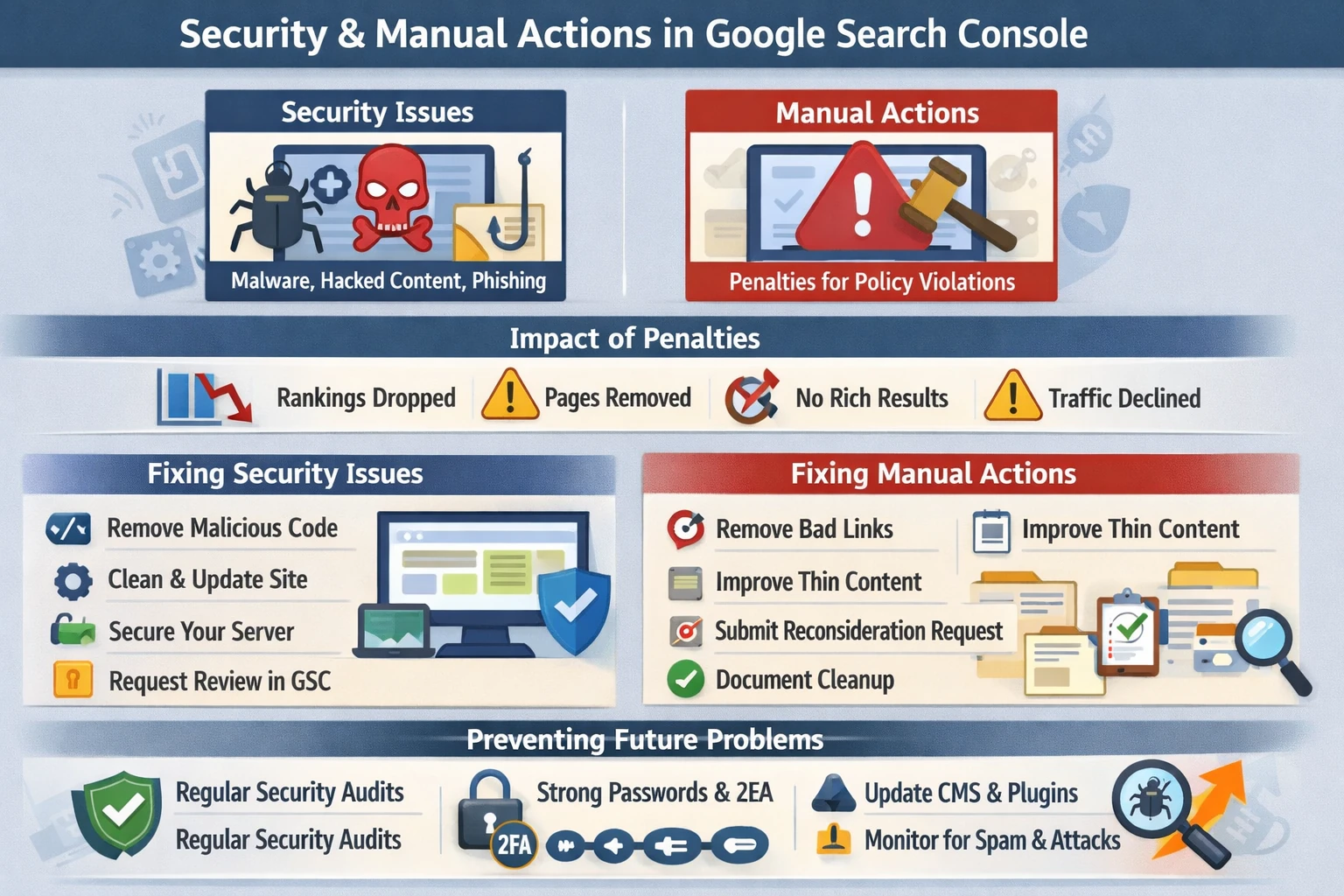
Security and manual action reports in Google Search Console reveal whether Google has detected hacked content, malware, spam, or policy violations on your site. These issues directly affect rankings, visibility, and user trust. Unlike algorithmic ranking changes, manual actions and security issues require direct remediation before Google restores normal search performance. This pillar explains how GSC detects threats, how manual actions work, how to fix them, and how to maintain long‑term site integrity.
How Google Detects Security Issues
Google continuously scans websites for threats that could harm users or manipulate search results. When detected, GSC flags them under Security Issues, including:
- Malware
- Unwanted software
- Hacked content
- Phishing pages
- Social engineering
- Redirect hijacking
- Injected spam or cloaked pages
These issues often arise from vulnerabilities in CMS platforms, plugins, themes, or server misconfigurations. Because they compromise user safety, Google may remove affected pages from search until resolved.
Manual Actions: Direct Penalties from Google
Manual actions occur when human reviewers at Google determine that a site violates search policies. These differ from algorithmic ranking drops because they are explicit penalties requiring corrective action.
Common manual actions include:
- Pure spam — auto‑generated or scraped content
- User‑generated spam — forums, comments, profiles
- Unnatural links to your site — manipulative backlinks
- Unnatural links from your site — selling or exchanging links
- Thin or low‑value content — doorway pages, spun content
- Cloaking or sneaky redirects
- Structured data abuse — misleading or spammy markup
- Hidden text or keyword stuffing
Manual actions can affect specific URLs, entire sections, or the entire domain.
Impact of Security Issues & Manual Actions
When Google flags a site:
- Rankings drop sharply
- Pages may be removed from search
- Rich results are disabled
- Traffic declines immediately
- Trust signals deteriorate
- Google may warn users before loading your site
These issues must be resolved quickly to restore visibility.
Diagnosing Issues in GSC
GSC provides detailed diagnostic information:
- Affected URLs
- Type of violation
- Examples of problematic pages
- Explanation of the policy violated
- Steps required to fix the issue
The URL Inspection tool helps confirm whether individual pages are affected.
Fixing Security Issues
Remediation typically involves:
- Removing injected code or malicious scripts
- Cleaning hacked files or restoring from backups
- Updating CMS, plugins, and themes
- Fixing vulnerable server configurations
- Removing unauthorized admin accounts
- Hardening authentication and access controls
After cleanup, you must request a Security Issue Review in GSC.
Fixing Manual Actions
To resolve a manual action:
- Identify the root cause using GSC’s examples.
- Remove or correct all violations.
- Document the cleanup process.
- Submit a Reconsideration Request.
Reconsideration requests must be honest, detailed, and demonstrate full remediation. Google reviews them manually, which may take days or weeks.
Preventing Future Issues
Long‑term protection requires:
- Regular security audits
- Strong passwords and 2FA
- Updated CMS and plugins
- Malware scanning
- Server hardening
- Monitoring outbound links
- Avoiding manipulative SEO tactics
- Using structured data responsibly
Security and compliance are ongoing processes, not one‑time fixes.
Why This Pillar Matters
Security and manual actions determine:
- Whether your site is safe for users
- Whether Google trusts your content
- Whether your pages remain indexed
- How resilient your site is to attacks
- How stable your search performance remains
A secure, policy‑compliant site protects your rankings and preserves long‑term SEO momentum.