
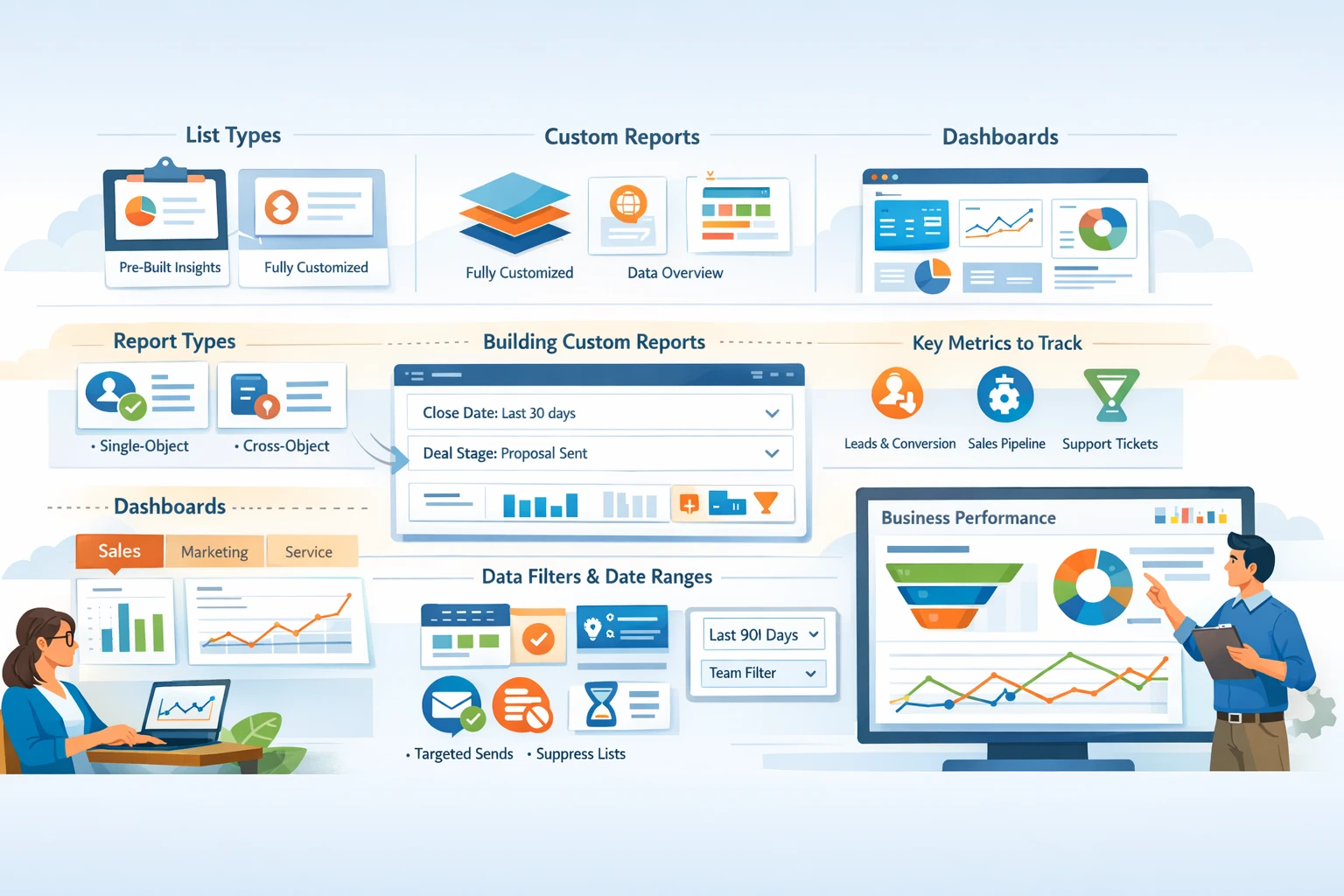
Reporting and Dashboards turn HubSpot from a CRM into an intelligence system. They help you understand performance, identify bottlenecks, measure ROI, and make data‑driven decisions across marketing, sales, and service. Because HubSpot ties reporting directly to CRM objects—contacts, companies, deals, tickets, and activities—your dashboards become a real‑time reflection of your entire funnel. This pillar explains how to build reports, customize dashboards, choose metrics, and maintain reporting accuracy.
Understanding HubSpot’s Reporting Structure
HubSpot reporting is built on three layers:
- Standard Reports — prebuilt reports for contacts, deals, emails, ads, and activities. These are great for quick insights.
- Custom Reports — fully customizable reports that let you filter, group, and visualize CRM data.
- Dashboards — collections of reports organized for teams or goals.
Custom reports are the most powerful because they allow you to combine multiple data sources, apply filters, and visualize trends over time.
Choosing the Right Report Type
HubSpot offers several report types, each suited for different use cases.
- Single‑Object Reports — analyze one object (contacts, deals, companies, tickets). Ideal for lifecycle, pipeline, or activity metrics.
- Cross‑Object Reports — combine two objects, such as contacts + deals. Useful for attribution and funnel analysis.
- Funnels — track conversion rates between lifecycle stages or deal stages.
- Attribution Reports — analyze which channels or assets influence conversions.
- Custom Analytics Tools — include revenue attribution, website analytics, and customer journey analytics.
Choosing the right report type ensures accurate insights and avoids unnecessary complexity.
Building Custom Reports
Custom reports allow you to filter data, choose properties, and visualize results. Start by selecting the object(s) you want to analyze. Add filters to narrow your dataset—for example, contacts created in the last 30 days or deals in a specific pipeline. Choose visualization types such as bar charts, line graphs, tables, or funnels. Group data by properties like lifecycle stage, deal owner, or lead source. Preview your report to ensure accuracy before saving it to a dashboard.
Creating Dashboards for Teams
Dashboards organize reports into a single view. You can create dashboards for marketing, sales, service, or leadership. Each dashboard should focus on a specific goal. For example, a sales dashboard might include pipeline value, deals won, win rate, and activity metrics. A marketing dashboard might include traffic, leads, email performance, and conversion rates. Customize dashboard layout, add filters, and control visibility by sharing with specific users or teams.
Key Metrics to Track
The most valuable metrics depend on your goals, but common examples include:
- Marketing: sessions, new contacts, conversion rate, email engagement, ad ROI.
- Sales: pipeline value, deal velocity, win rate, forecast accuracy, rep activity.
- Service: ticket volume, response time, resolution time, customer satisfaction.
Tracking the right metrics helps you identify trends and make informed decisions.
Using Filters and Date Ranges
Dashboard filters allow you to apply date ranges, owners, or teams across all reports. This makes dashboards dynamic and reusable. For example, you can filter a sales dashboard by rep to compare performance. Use rolling date ranges like “Last 30 days” to keep dashboards automatically updated.
Maintaining Reporting Accuracy
Accurate reporting depends on clean CRM data. Ensure properties like lifecycle stage, deal amount, and close date are updated consistently. Use workflows to automate updates and reduce manual errors. Review dashboards regularly to retire outdated reports and refine metrics. Document your reporting structure so teams understand how metrics are calculated.
Turning Insights into Action
Dashboards are only valuable when they drive action. Use insights to adjust campaigns, optimize pipelines, or improve follow‑up processes. Schedule recurring dashboard reviews with your team to stay aligned and accountable.