
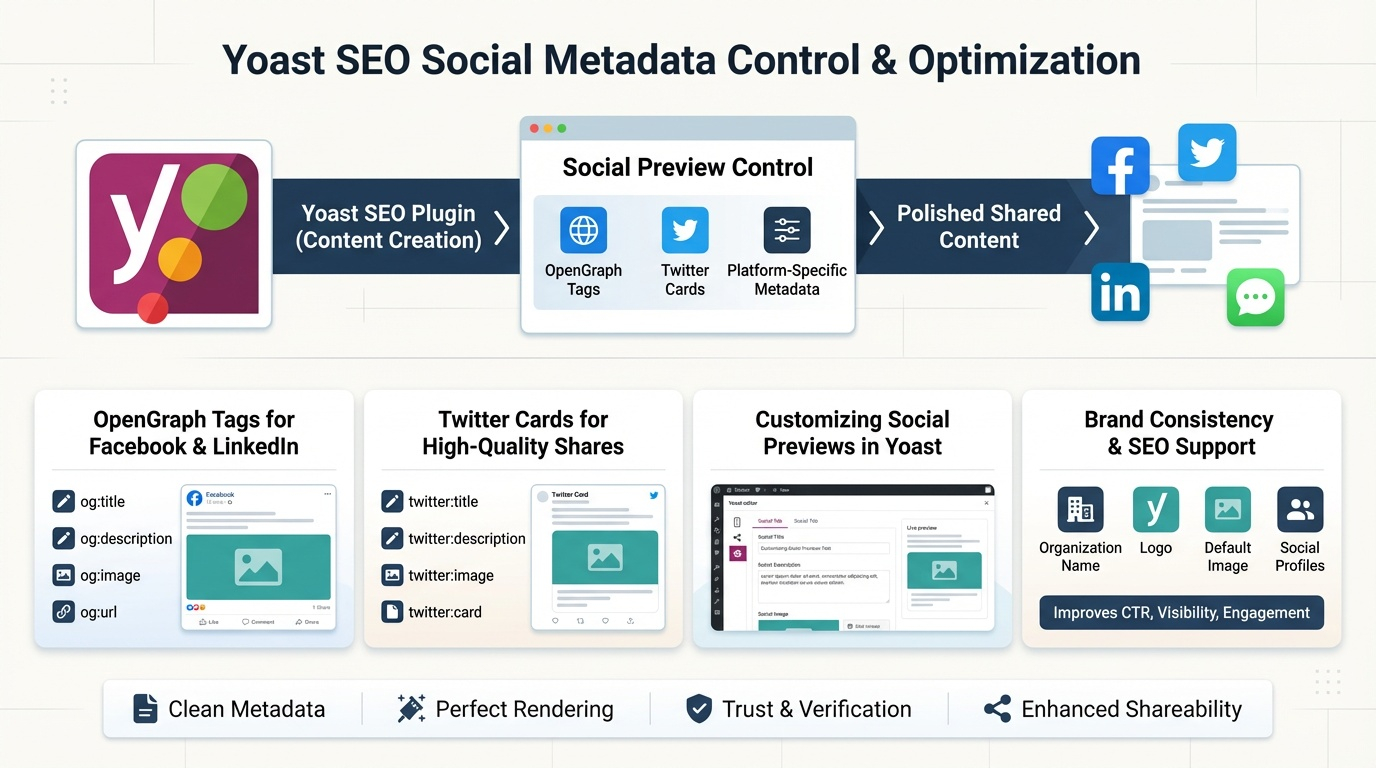
Social metadata determines how your content appears when shared on platforms like Facebook, Twitter, LinkedIn, and messaging apps. Yoast SEO gives you full control over these previews through OpenGraph tags, Twitter Cards, and platform‑specific metadata. Optimizing these elements improves click‑through rates, brand consistency, and shareability—especially important for content that spreads through social channels. This pillar explains how Yoast handles social metadata, how to customize previews, and how to ensure your brand looks polished across every platform.
How Yoast Controls Social Metadata
Yoast automatically generates social metadata for every page, including:
- OpenGraph tags for Facebook and LinkedIn
- Twitter Card metadata
- Social titles
- Social descriptions
- Social images
- Canonical URLs
These tags ensure that when someone shares your page, the preview is clean, consistent, and visually appealing.
OpenGraph Tags for Facebook & LinkedIn
OpenGraph (OG) tags define how your content appears on platforms that use the OG protocol. Yoast outputs:
- og:title — the social title
- og:description — the social description
- og:image — the preview image
- og:url — the canonical URL
- og:type — article, website, product, etc.
These tags prevent platforms from guessing your preview, which often leads to blurry images, wrong titles, or outdated descriptions.
Twitter Cards for High‑Quality Shares
Twitter uses a similar system called Twitter Cards. Yoast supports:
- Summary cards
- Summary cards with large images
Yoast automatically outputs:
- twitter:title
- twitter:description
- twitter:image
- twitter:card
This ensures your content appears with a clean, clickable preview instead of plain text links.
Customizing Social Previews in Yoast
Each page and post includes a “Social” tab where you can override:
- Social title
- Social description
- Social image
This is especially useful for:
- Blog posts
- Product pages
- Landing pages
- Seasonal promotions
- High‑share content
You can tailor the social preview to be more emotional, visual, or click‑driven than the SEO snippet.
Choosing the Right Social Images
Strong social images improve engagement dramatically. Best practices include:
- Use 1200×630 px for Facebook/LinkedIn
- Use 1200×675 px for Twitter
- Keep text minimal
- Use high‑contrast visuals
- Maintain consistent branding
- Avoid cluttered designs
Yoast allows you to upload platform‑specific images to ensure perfect rendering.
Brand Consistency Across Platforms
Yoast’s global social settings let you define:
- Organization name
- Logo
- Default social image
- Social profile URLs
These signals help platforms verify your brand and improve trust.
How Social Metadata Supports SEO
While social tags don’t directly affect rankings, they influence:
- Click‑through rate
- Brand visibility
- User engagement
- Link sharing
- Content distribution
Pages that perform well socially often earn more backlinks, which does support SEO.
Common Social Metadata Mistakes Yoast Prevents
Yoast helps you avoid:
- Missing OG tags
- Wrong image sizes
- Duplicate previews
- Outdated metadata
- Incorrect canonical URLs
- Broken social images
Clean metadata ensures your content always looks polished when shared.