
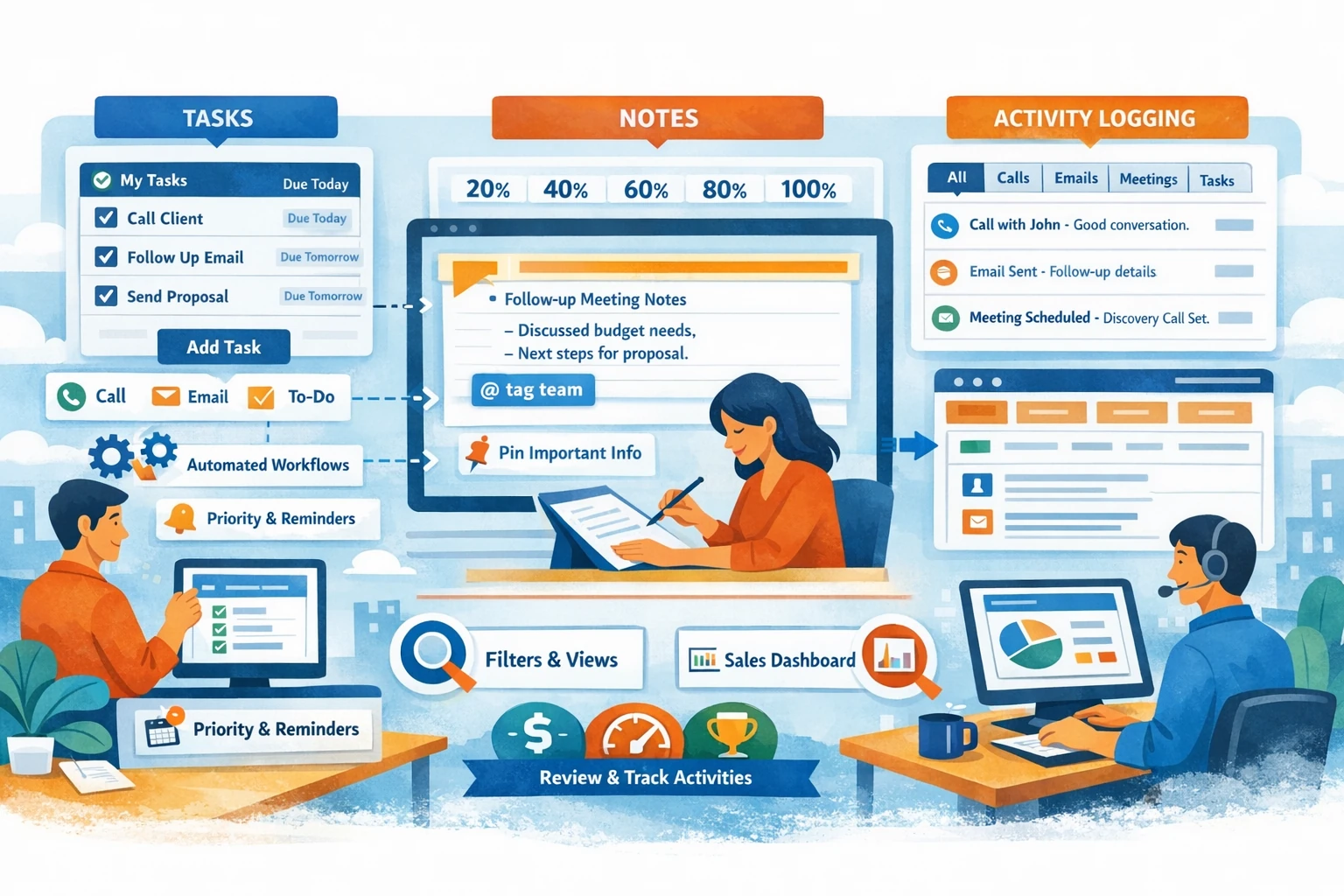
Tasks, Notes, and Activity Logging form the daily operational layer of HubSpot CRM. They ensure that every interaction is captured, every follow‑up is scheduled, and every rep stays accountable. Clean activity data powers reporting, forecasting, automation, and team collaboration. This pillar explains how to use these tools effectively so your CRM becomes a reliable source of truth rather than a cluttered inbox.
Tasks: The Engine of Daily Sales Execution
Tasks help reps stay organized and ensure no lead or deal falls through the cracks. You can create tasks manually, from a record, or automatically through workflows. Each task includes a type (call, email, to‑do), due date, priority, and owner. Reps typically work from the Tasks dashboard, filtering by due date or task type. Consistent task usage creates predictable sales rhythms and improves follow‑up speed. For managers, task completion rates reveal rep productivity and pipeline health.
Creating Tasks from Contact, Company, or Deal Records
When viewing a record, you can create a task directly from the timeline. This keeps context intact and ensures the task is associated with the right person or deal. For example, after a discovery call, you might create a follow‑up task due in two days. Tasks can also be bulk‑created from filtered views, which is useful for outreach campaigns or re‑engagement efforts. Associating tasks correctly ensures accurate reporting and avoids orphaned activities.
Automating Tasks with Workflows
Automation reduces manual work and enforces consistency. Workflows can create tasks when a deal enters a stage, when a contact submits a form, or when a lifecycle stage changes. For example, when a deal moves to Proposal Sent, a workflow can automatically create a follow‑up task for the rep. Automated tasks ensure timely follow‑ups and prevent deals from stalling. They also standardize your sales process across the team.
Notes: Capturing Context and Insights
Notes store qualitative information that doesn’t fit into properties. They’re ideal for call summaries, meeting insights, objections, or internal strategy. Notes can be pinned to the top of a record so important details stay visible. Use clear formatting and bullet points to make notes scannable. Tag teammates using @mentions to collaborate or request input. Notes become especially valuable when multiple reps or teams interact with the same contact.
Logging Activities: Calls, Emails, Meetings, and More
Activity logging creates a complete timeline of interactions. HubSpot automatically logs emails sent through connected inboxes and meetings booked through the scheduling tool. Calls can be logged manually or automatically if you use HubSpot Calling or an integrated phone system. Logging activities ensures accurate reporting on rep performance, engagement levels, and deal progression. It also helps new reps understand account history quickly.
Using Filters and Views to Manage Work
The Activities tab allows you to filter by type—calls, emails, notes, tasks, or meetings. This helps reps focus on what matters most and gives managers visibility into team activity. Saved views can be shared across teams to standardize workflows. For example, a manager might create a view showing “Deals with No Logged Activity in 7 Days” to identify at‑risk opportunities.
Maintaining Activity Hygiene
Clean activity data improves forecasting, reporting, and automation. Encourage reps to log calls immediately, write clear notes, and complete tasks on time. Use automation to enforce standards, such as creating tasks when no activity has been logged for a set period. Regularly review incomplete tasks, stale activities, and unassociated notes to keep your CRM organized.