
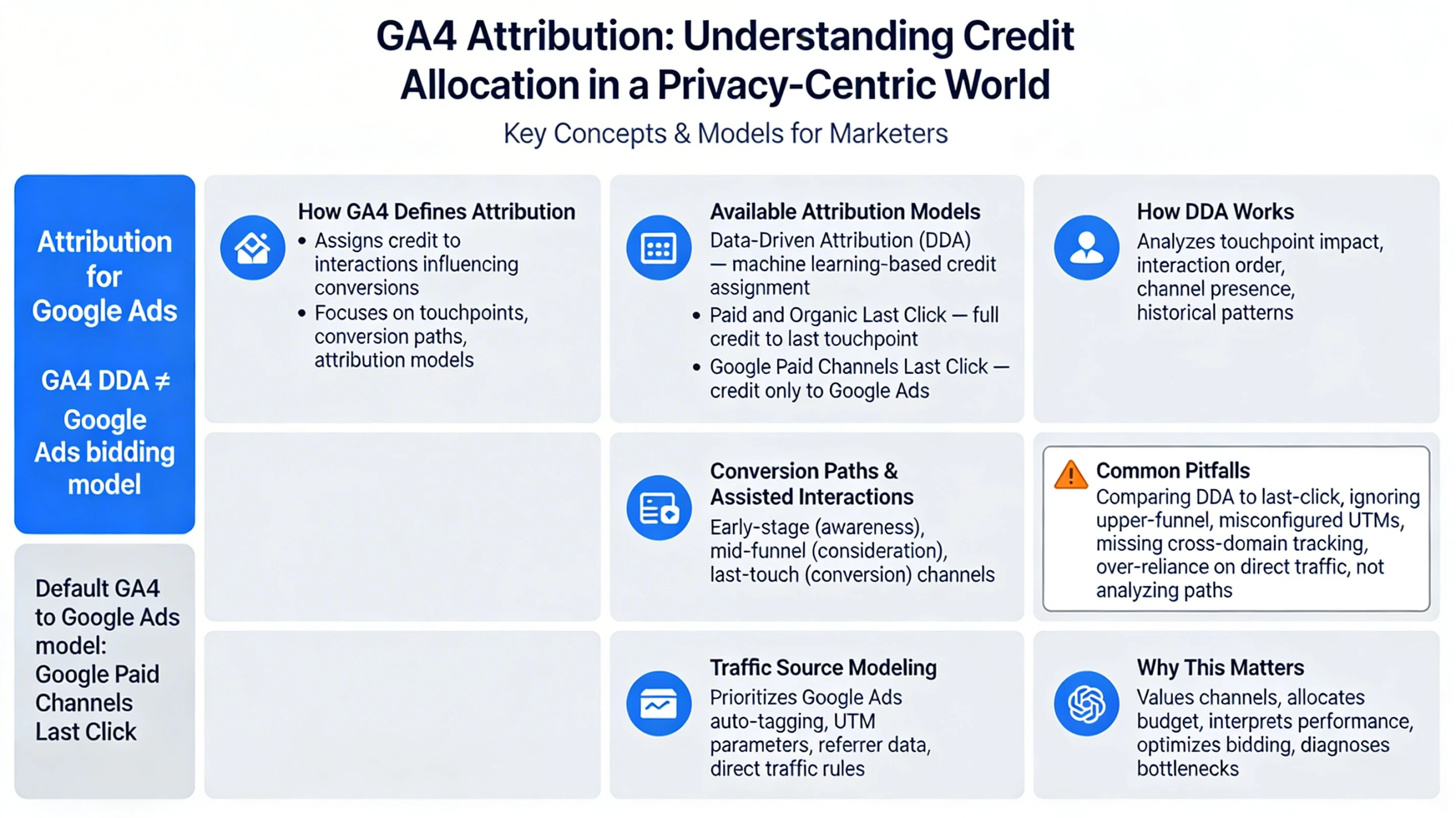
Attribution in Google Analytics 4 determines how credit is assigned to marketing touchpoints that lead to a key event. GA4’s attribution system is built for a privacy‑centric, cross‑device world and relies heavily on machine learning to fill gaps left by cookie loss and fragmented user journeys. Understanding attribution is essential for interpreting performance, optimizing spend, and aligning GA4 with Google Ads.
How GA4 Defines Attribution
Attribution in GA4 assigns credit to the interactions that influence a conversion. Google describes attribution as the process of analyzing how ads and channels contribute to meaningful actions, noting that users often interact with multiple touchpoints before converting .
GA4’s attribution system is built around:
- Touchpoints — interactions such as clicks, visits, or ad engagements.
- Conversion paths — the sequence of touchpoints leading to a key event.
- Attribution models — rules that determine how credit is distributed.
This structure helps marketers understand which channels actually drive results rather than relying on last‑click assumptions.
Available Attribution Models in GA4
GA4 supports a limited but modernized set of attribution models. As of late 2023, older models like first‑click, linear, time‑decay, and position‑based have been removed from GA4 reporting .
The current models include:
- Data‑Driven Attribution (DDA) — uses machine learning to assign credit based on observed impact.
- Paid and Organic Last Click — gives full credit to the last paid or organic touchpoint.
- Google Paid Channels Last Click — gives credit only to Google Ads interactions.
DDA is the default and recommended model because it evaluates how each touchpoint contributes to conversion probability.
How Data‑Driven Attribution Works
DDA uses machine learning to analyze:
- How touchpoints change conversion likelihood
- The order of interactions
- The presence or absence of specific channels
- Historical performance patterns
This allows GA4 to model attribution even when user‑level data is incomplete due to privacy restrictions. DDA is especially valuable for multi‑touch journeys and cross‑device behavior.
Conversion Paths & Assisted Interactions
GA4’s conversion path reports show:
- Early‑stage channels (awareness)
- Mid‑funnel channels (consideration)
- Last‑touch channels (conversion)
This helps identify channels that rarely get last‑click credit but play a critical role earlier in the journey. GA4’s path visualization is essential for budget allocation and funnel optimization.
Traffic Source Modeling in GA4
GA4 uses a hierarchical source/medium model that prioritizes:
- Google Ads auto‑tagging
- UTM parameters
- Referrer data
- Direct traffic rules
Because GA4 is event‑based, attribution applies to events, not sessions. This allows more accurate modeling of micro‑conversions, ecommerce steps, and app interactions.
Attribution for Google Ads
Google Ads uses its own attribution model for bidding, but GA4 conversions imported into Google Ads use the Google Paid Channels Last Click model by default .
This means:
- GA4 reporting may differ from Google Ads reporting
- DDA in GA4 does not automatically apply to Google Ads bidding
- Consistency requires aligning models across platforms
Understanding this distinction prevents misinterpretation of performance.
Common Attribution Pitfalls
Teams often misread GA4 attribution due to:
- Comparing GA4 DDA to Google Ads last‑click
- Ignoring upper‑funnel assisted conversions
- Misconfigured UTMs
- Missing cross‑domain tracking
- Over‑reliance on direct traffic
- Not analyzing conversion paths
A clean attribution setup ensures accurate insights and better budget decisions.
Why This Pillar Matters
Attribution determines:
- How you value channels
- How you allocate budget
- How you interpret performance
- How Google Ads optimizes bidding
- How you diagnose funnel bottlenecks
A strong attribution framework is essential for scaling paid media, SEO, and lifecycle marketing.