
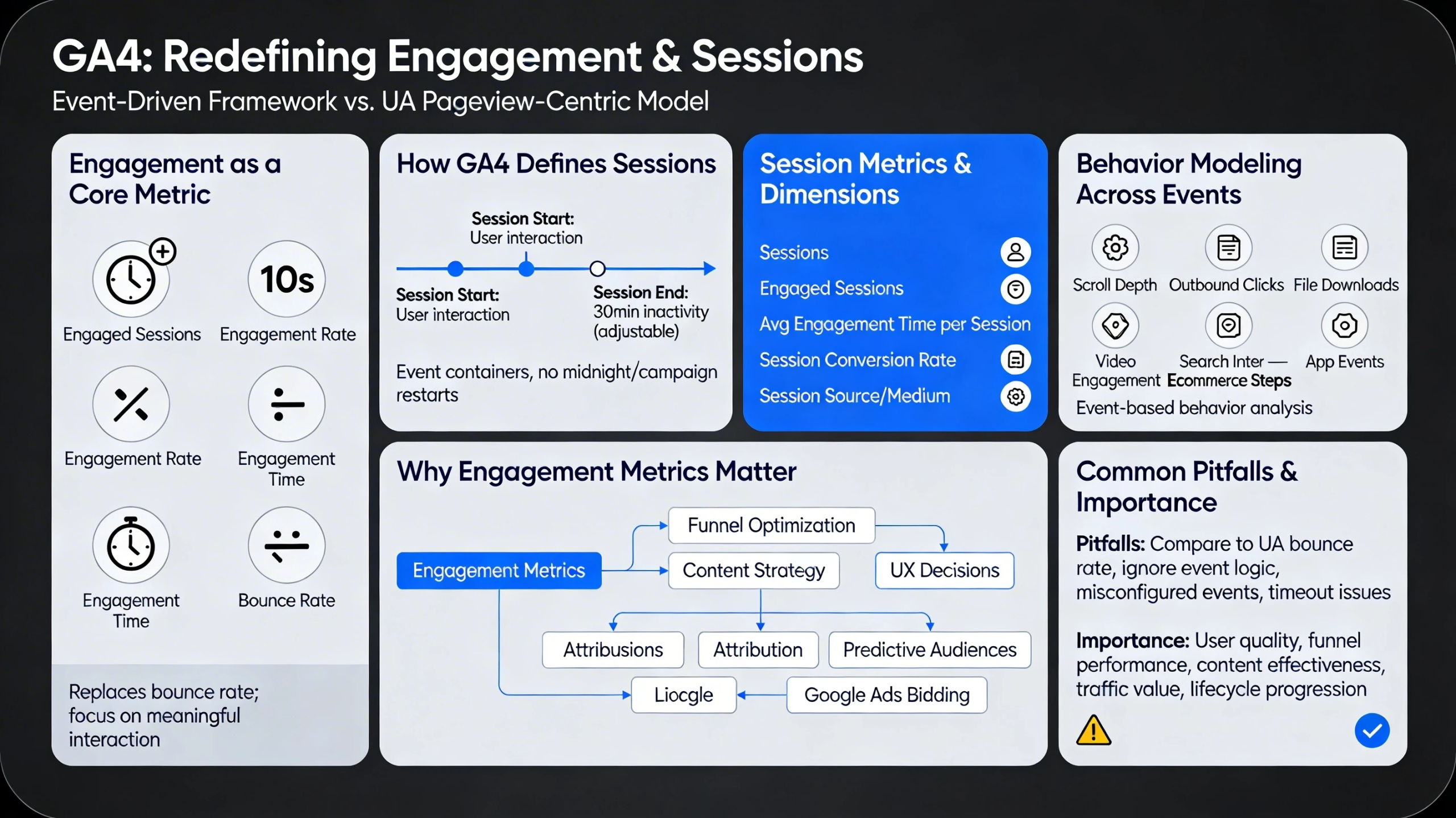
GA4 redefines how engagement and sessions are measured, shifting away from Universal Analytics’ pageview‑centric model toward an event‑driven, engagement‑focused framework. This pillar explains how GA4 calculates engagement, how sessions work, and how to interpret behavior metrics that now power funnels, attribution, and lifecycle analysis.
Engagement as a Core Metric
GA4 replaces bounce rate with engagement rate, a metric built around engaged sessions. Google defines engaged sessions as sessions that last longer than 10 seconds, include a conversion event, or include at least two pageviews or screenviews . This shifts the focus from “did the user leave?” to “did the user meaningfully interact?”
Key engagement metrics include:
- Engaged sessions — sessions meeting GA4’s engagement criteria.
- Engagement rate — engaged sessions divided by total sessions.
- Engagement time — active time the user spends interacting with the site or app.
- Bounce rate — the inverse of engagement rate, reintroduced for familiarity but defined differently than in UA.
These metrics better reflect modern user behavior across mobile, apps, and single‑page applications.
How GA4 Defines Sessions
Sessions in GA4 are event containers rather than the primary measurement unit. A session begins when a user starts interacting with your site or app and ends after 30 minutes of inactivity by default. GA4 allows adjusting this timeout in the admin settings, giving more flexibility for long‑form content or apps with extended idle periods .
Important differences from UA:
- Sessions do not restart at midnight.
- Sessions do not restart on new campaign parameters.
- Sessions are tied to events, not pageviews.
This results in fewer artificial session splits and more accurate journey modeling.
Session Metrics & Dimensions
GA4 provides a range of session‑level metrics that help analysts understand behavior patterns:
- Sessions — total number of session containers.
- Engaged sessions — sessions with meaningful interaction.
- Average engagement time per session — a stronger indicator of content quality than UA’s average session duration.
- Session conversion rate — conversions divided by sessions.
- Session source/medium — acquisition dimensions tied to the first event of the session.
BigQuery exports allow deeper analysis of session metrics, including custom calculations for engagement and bounce behavior .
Behavior Modeling Across Events
Because GA4 is event‑based, behavior analysis focuses on what users do, not just where they go. Key behavioral signals include:
- Scroll depth
- Outbound clicks
- File downloads
- Video engagement
- Search interactions
- Ecommerce steps
- App‑specific events (screenviews, app_open, in_app_purchase)
This creates a richer behavioral dataset that supports advanced funnels, pathing, and predictive modeling.
Why Engagement Metrics Matter
Engagement metrics influence:
- Funnel optimization
- Content strategy
- UX decisions
- Attribution weighting
- Predictive audiences
- Google Ads bidding (via imported key events)
High engagement correlates strongly with higher conversion probability, especially in multi‑step journeys.
Common Pitfalls in Engagement & Session Analysis
Teams often misinterpret GA4 behavior metrics due to:
- Comparing GA4 engagement rate to UA bounce rate
- Ignoring event‑driven session logic
- Misconfigured Enhanced Measurement inflating events
- Not adjusting session timeout for long‑form content
- Treating engagement time like UA’s session duration
A correct mental model prevents misleading conclusions.
Why This Pillar Matters
Engagement and session modeling determine how you interpret:
- User quality
- Funnel performance
- Content effectiveness
- Traffic source value
- Lifecycle stage progression
A strong understanding of GA4’s behavior metrics ensures accurate analysis and better optimization decisions.