
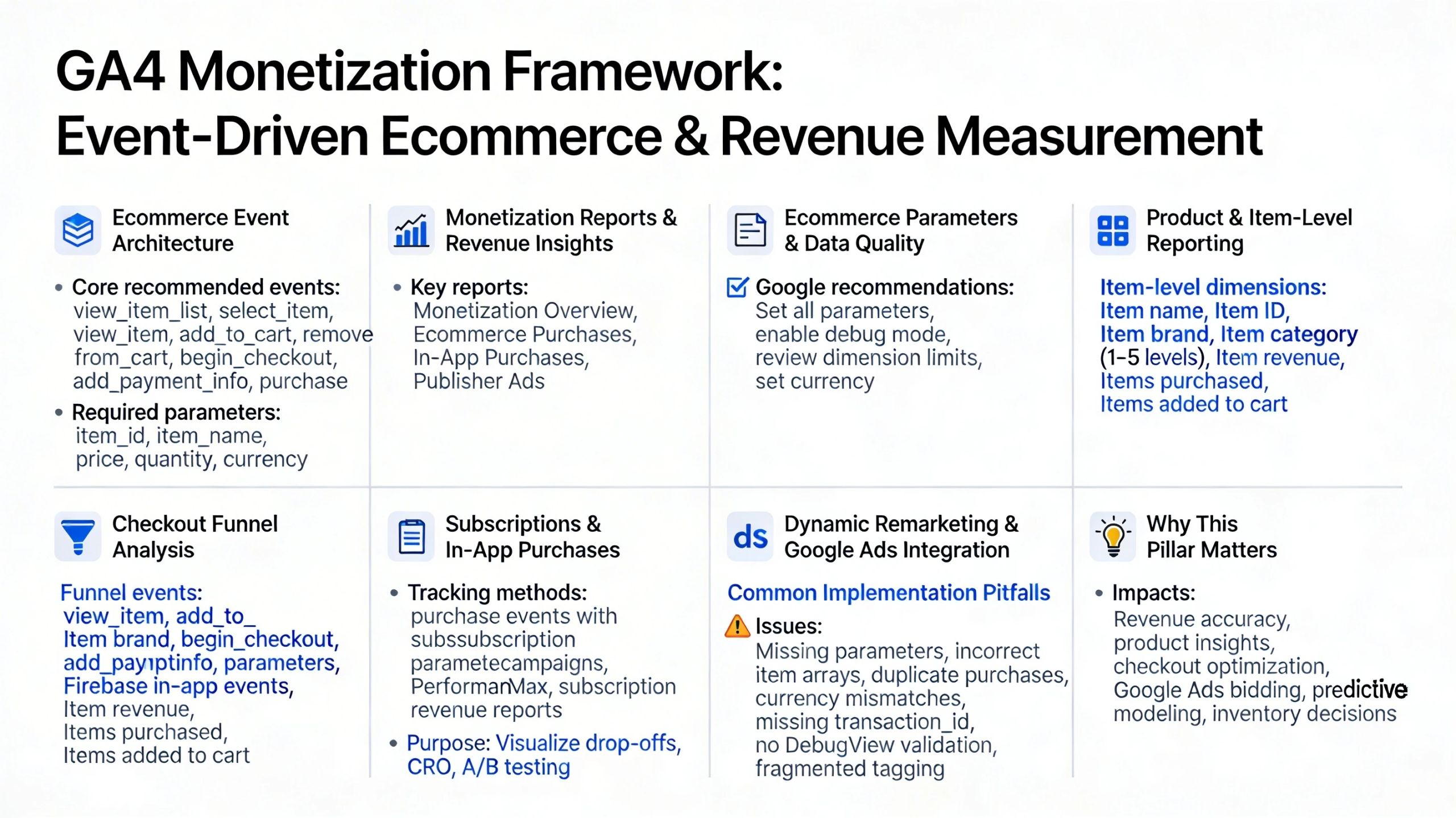
GA4’s monetization framework is built around an event‑driven ecommerce model that captures product interactions, checkout behavior, and revenue outcomes across websites and apps. This pillar explains how GA4 structures ecommerce data, how monetization reports work, and how to architect a clean, scalable revenue measurement system.
Ecommerce Event Architecture
GA4 uses a standardized set of ecommerce events to track the full shopping journey. Google’s developer documentation emphasizes that ecommerce events measure product popularity, promotion impact, and revenue performance, and require proper tagging with the Google tag and ecommerce parameters.
Core recommended events include:
- view_item_list — product list impressions
- select_item — product selection
- view_item — product detail views
- add_to_cart — cart additions
- remove_from_cart — cart removals
- begin_checkout — checkout initiation
- add_payment_info — payment step
- purchase — completed transaction
These events must include ecommerce parameters such as item_id, item_name, price, quantity, and currency to populate monetization reports accurately.
Monetization Reports & Revenue Insights
GA4’s monetization reporting provides a unified view of ecommerce, subscription, and ad revenue. Monetization reports show how much money your site or app generates and require revenue‑based events to be implemented before data appears.
Key monetization reports include:
- Monetization Overview — total revenue, ecommerce revenue, subscription revenue
- Ecommerce Purchases — item views, add‑to‑cart actions, purchases, item revenue
- In‑App Purchases — app‑specific revenue events
- Publisher Ads — ad‑based monetization
These reports help identify product performance, funnel drop‑offs, and revenue drivers.
Ecommerce Parameters & Data Quality
GA4 ecommerce requires detailed parameters to populate reports. Google recommends:
- Setting all available ecommerce parameters
- Enabling debug mode during implementation
- Reviewing custom dimension and metric limits
- Setting currency for all value data
These recommendations ensure accurate revenue reporting and prevent data gaps.
Product & Item-Level Reporting
GA4 provides rich item‑level reporting, including:
- Item name
- Item ID
- Item brand
- Item category (1–5 levels)
- Item revenue
- Items purchased
- Items added to cart
These dimensions allow granular analysis of product performance, merchandising, and inventory strategy.
Checkout Funnel Analysis
GA4’s event‑based model allows you to build custom funnels using:
- view_item
- add_to_cart
- begin_checkout
- add_payment_info
- purchase
Exploration reports can visualize drop‑off points and identify friction in the checkout process. This is essential for CRO, A/B testing, and revenue optimization.
Subscriptions & In‑App Purchases
GA4 supports subscription and in‑app purchase tracking through:
- purchase events with subscription parameters
- Firebase in‑app purchase events for mobile apps
- Monetization reports dedicated to subscription revenue
This makes GA4 suitable for SaaS, mobile apps, and hybrid business models.
Dynamic Remarketing & Google Ads Integration
GA4 ecommerce integrates with Google Ads for:
- Dynamic remarketing
- Shopping campaigns
- Performance Max audience signals
- Revenue‑based bidding
Google recommends setting up dynamic remarketing and ensuring all ecommerce parameters are passed correctly.
Common Ecommerce Implementation Pitfalls
Teams often encounter issues such as:
- Missing required ecommerce parameters
- Incorrect item arrays
- Duplicate purchase events
- Currency mismatches
- Missing transaction_id
- Not validating events in DebugView
- Fragmented tagging across platforms
A clean implementation ensures accurate revenue reporting and reliable optimization.
Why This Pillar Matters
Ecommerce and monetization tracking determine:
- Revenue accuracy
- Product performance insights
- Checkout optimization
- Google Ads bidding quality
- Predictive revenue modeling
- Inventory and merchandising decisions